Starting a build
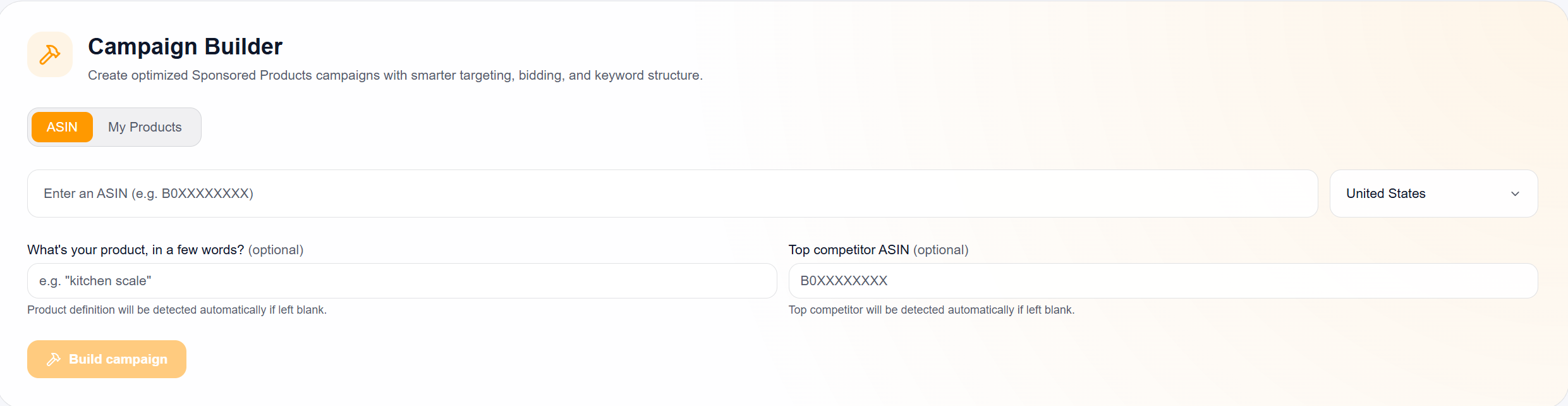
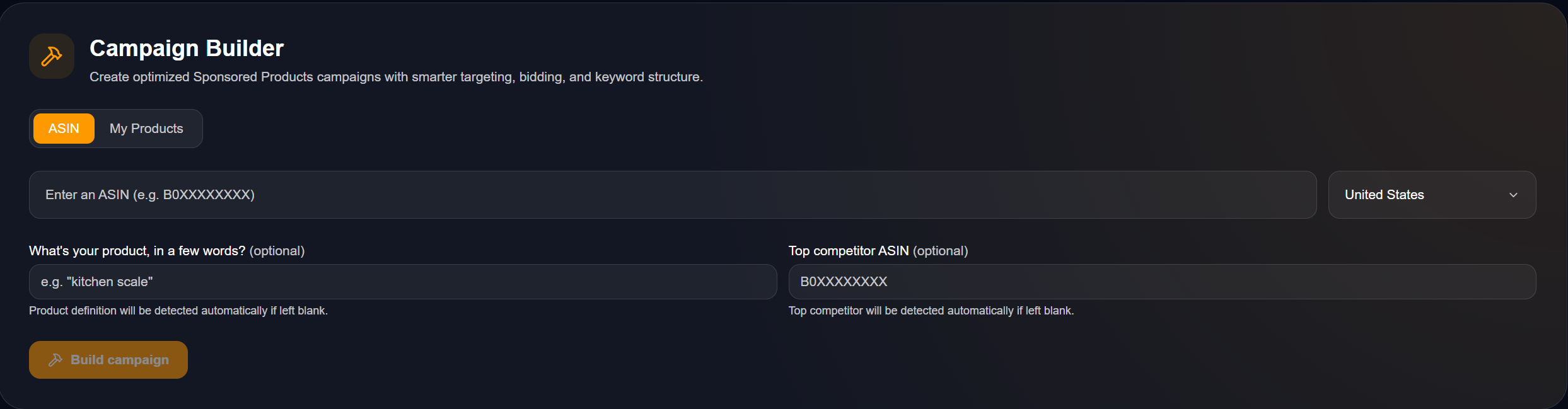
The entry screen is one panel that asks two things: which product(s) you're building for, and which marketplace. Everything else is optional.
The two tabs
At the top of the entry panel there's a ASIN / My Products tab switch. Both produce the same kind of campaign — they only differ in how you tell Campaign Builder which ASINs to advertise.
ASIN tab
Paste any ASIN you have permission to advertise:
- ASIN input — must be a valid Amazon ASIN (
B0+ 9 alphanumerics). The Build campaign button stays disabled until it validates. - Marketplace — the 10 supported storefronts (US, UK, DE, IN, CA, FR, IT, ES, MX, JP). Pick the one this ASIN sells in.
The ASIN tab advertises exactly the ASIN you typed. To advertise multiple child ASINs of the same parent in one campaign, use the My Products tab and pick the children there.
The ASIN must be in your own Amazon selling account — Amazon only lets you advertise products you sell. If the ASIN isn't in your catalog, the build still runs to the end and the review page opens, but the Amazon-write actions on the review footer are disabled. See Launch & drafts for what that looks like.
My Products tab
Pulls your own tracked catalog into a searchable list, filtered by marketplace.
- Parent listings expand into their child ASINs. Click a parent to select every variation at once, or expand it and tick the children you want individually.
- Multi-select is scoped to one parent — switching to a different parent clears the current selection (a campaign only makes sense for children of the same product).
- The tab is greyed out for a marketplace where you don't have any tracked products — pick a different marketplace or connect the account first.
When you pick multiple children of the same parent, Campaign Builder uses the parent ASIN as the seed for keyword research (so keywords aren't skewed to one specific colour or size), and then advertises all the child ASINs you selected.
Optional context fields
Two optional inputs sit below the tabs. Both are helpful in edge cases — if you leave them blank, Campaign Builder detects them automatically.
- What's your product, in a few words? — a short hint like "kitchen scale" or "cordless drill 18V". Write it in the marketplace's shopping language (English on amazon.com / .co.uk / .ca / .au / .in / .sg, German on amazon.de, French on amazon.fr, Spanish on amazon.es and .com.mx, Italian on amazon.it, Japanese on amazon.co.jp, Portuguese on amazon.com.br) — this seed is searched directly on that Amazon storefront, so a wrong-language hint returns junk. If you leave it blank, an AI classifier reads the listing title, bullets and categories (already in the marketplace's language) and picks the seed for you. Fill it in when your listing title is unusually cryptic and you want to steer the keyword seed manually.
- Top competitor ASIN — the ASIN of your #1 organic competitor. If blank, Campaign Builder auto-picks the top-ranking organic result for the seed search. Fill it in when you have a specific rival you want to mirror keyword-wise.
The Build button
The Build campaign button lights up once you have a valid ASIN (or at least one product selected on My Products) and a connected Amazon Ads account for the target marketplace. If either is missing, it stays disabled.
Clicking Build kicks off a background job — the entry panel disappears and a progress checklist takes its place.
What happens during a build
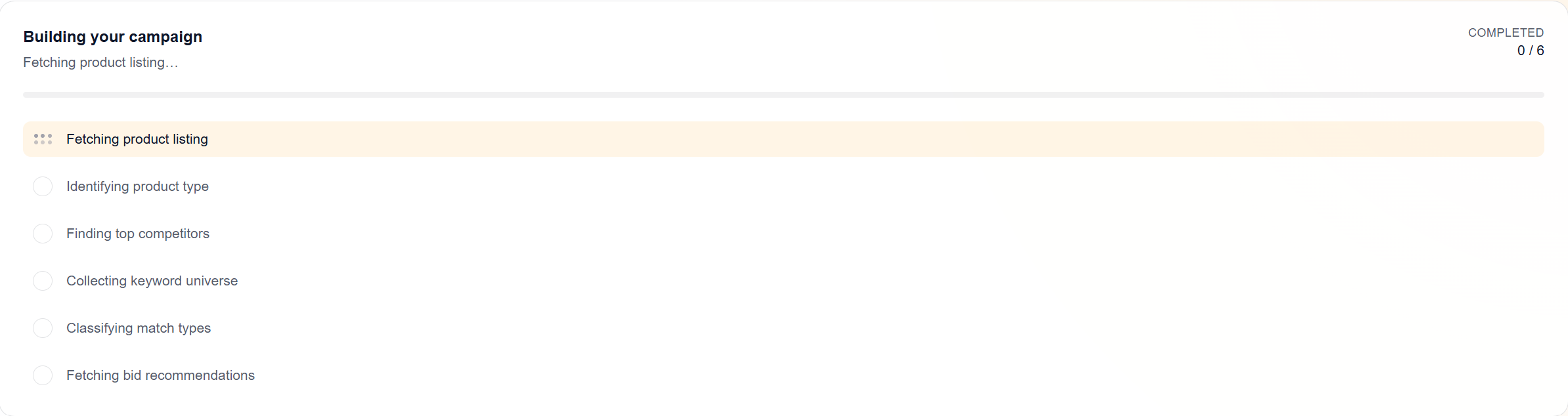
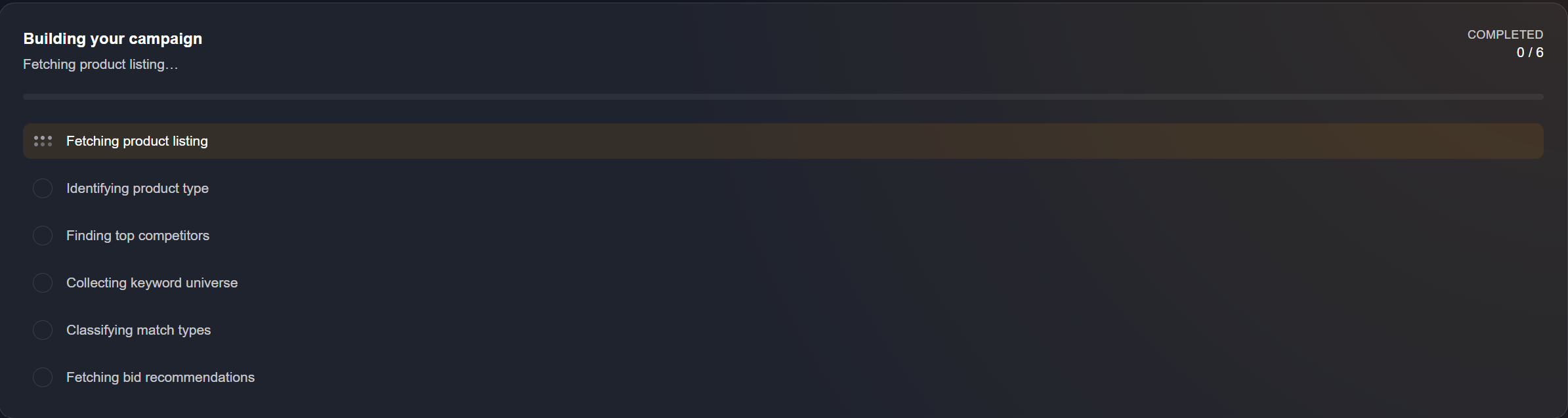
Six visible stages, all running in the background — typical total: under a minute, occasionally up to ~5 minutes for products with heavy data:
- Fetching product listing — title, bullets, brand, price, rating and BSR categories.
- Identifying product type — an AI pass turns the listing into a concise "what this product actually is" seed used for keyword research.
- Finding top competitors — the top organic ASINs for your seed search. These populate the Product Targeting — Competitor ASINs ad group.
- Collecting keyword universe — two passes: one on your seed keyword, one on your competitor ASIN, giving a much broader net than either alone.
- Classifying match types — an AI pass reads every keyword and assigns it to Exact, Phrase, Broad, or "irrelevant" (which becomes a relevance negative).
- Fetching bid recommendations — for every keyword and target, we ask Amazon what a good starting bid is. If Amazon can't respond for a particular one, we fall back to a sensible default so nothing is left blank.
When it's done, the draft loads and the entry screen is replaced by the review page.
If it times out
If the build takes longer than about 5 minutes, you'll see "Timeout: campaign build is taking longer than expected." This almost always means Amazon or one of the upstream data sources is being unusually slow. Just click Build campaign again — the second attempt usually finishes normally.
Common questions
Do I have to have a connected Amazon Ads account?
Yes, for that marketplace. Bid recommendations, category targets, and (of course) the actual launch all go through your Ads account. Without a connection, the Build button is disabled.
Can I build for a competitor's ASIN?
You can build for any ASIN — the pipeline runs to the end and the full review page opens so you can inspect keywords, targets, and negatives. What you can't do is launch it: Amazon only lets you advertise ASINs in your own selling account, so on the review page Launch to Amazon and Save to Amazon as Paused are disabled with an amber banner, while Save as Draft and Delete stay active. See Launch & drafts for details.
Is there a monthly build quota?
Yes. Your plan includes a number of builds per billing month, shown as Campaign builds: X of Y in the page header and on Profile → Usage & limits.
A build only counts if it produced something usable — specifically, a Broad ad group with at least one keyword. A build that times out, errors, or comes back structurally empty is not charged to you.
What happens when I run out?
Plan builds burn first; then never-expiring extra credits (if any). When both are exhausted, only Build campaign stops — an upgrade card appears and the button greys out until you Buy more, upgrade, or the billing period resets. Everything you've already built stays fully usable: your saved drafts, Continue editing, every edit on the review page, and Launch to Amazon / Save to Amazon as Paused. A build you paid for is always launchable — running out of builds never strands a finished campaign.
Can I build several campaigns at once?
Not in parallel — one build at a time per user. But once a draft loads, you can hit "Build another campaign" to start the next one; the current draft is preserved in your saved drafts if you saved it.
Why does the build sometimes take 30 seconds and sometimes 3 minutes?
Because it's a heavily AI-driven pipeline with several moving parts — product-type detection, keyword classification, competitor and keyword sourcing, and Amazon's bid recommendations. Popular products with rich data finish fast; new or obscure listings take longer.