Activity, restore & emails
Rank Guard doesn't hide what it's doing. Every decision the 8-hour tick makes for a product is logged; every state change is announced by email; and everything the tool touched on Amazon is tracked so it can be put back exactly as it was.
The activity panel
Every product's settings modal has a collapsible Activity section. Open it to see what Rank Guard has been doing on that specific product.
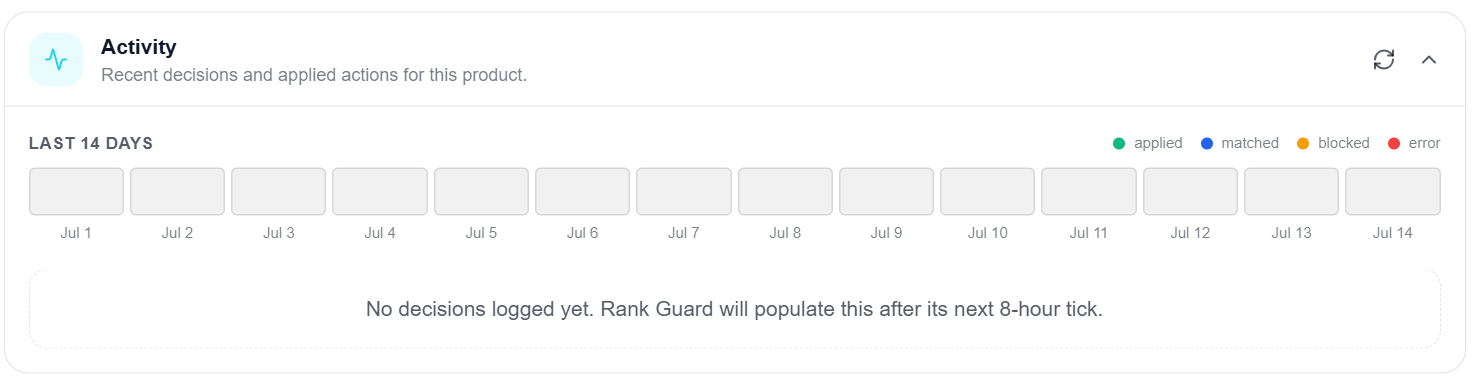
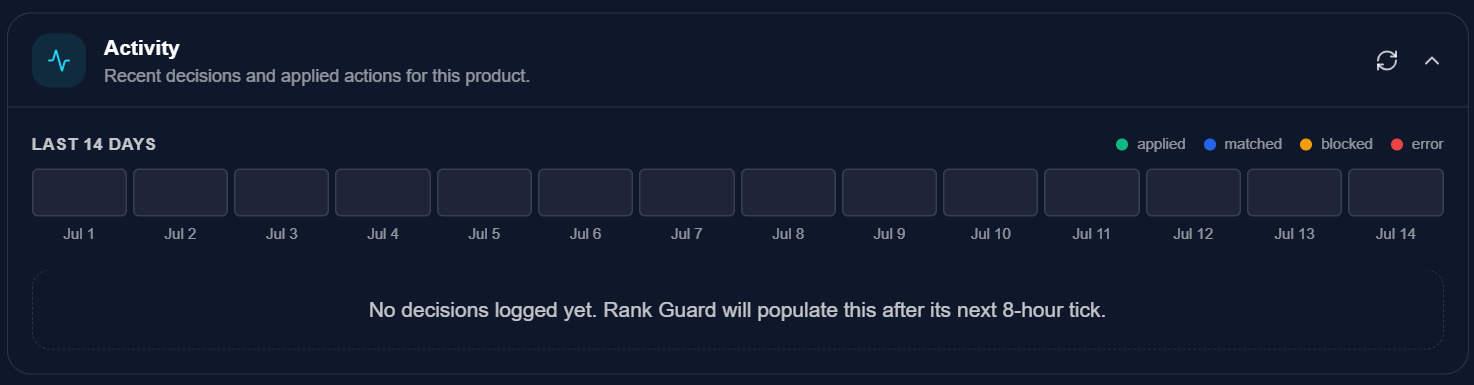
Two views:
14-day strip
A compact heat strip across the last 14 days showing per-day outcome density. The legend at the top lists the four possible outcomes:
- applied — a rule matched and an action was successfully executed.
- matched — a rule fired, but the resulting action was a no-op (already in the requested state, nothing to change).
- blocked — another module vetoed the action (see the interactions section).
- error — the action failed at Amazon's side; the tick will try again next time.
Days with no ticks are empty. The strip is a quick way to see whether Guard has been busy or quiet without scrolling the full log.
Recent decisions
Below the strip: up to 50 of the most recent decisions, freshest first. Each row shows the action type — Evaluate, Price, Ad state, Budget, Placement, Restore, Auto-disabled — plus which rule fired, and any notes (e.g. already_in_state, disabled_for_sku, blocked by inventory_brake). An Auto-disabled row records exactly which managed value diverged and to what (e.g. "Daily budget was changed to 1000 (Guard set 1500).") — see the manual-changes note below.
Empty state: "No decisions logged yet. Rank Guard will populate this after its next 8-hour tick."
The panel is the go-to place when you're wondering "is this rule actually doing anything?" — the answer is always here.
How restore works
Restore is the whole point of Rank Guard's closed-loop model. Whenever a rule stops matching (either the rank recovered, or a different rule now wins), Guard reverses everything the outgoing rule wrote:
- Prices are set back to the exact Your Price / Sale Price / Sale End Date / Business Price that existed on the SKU before the rule fired.
- Ad state flips revert to the state the entity was in immediately before Guard touched it (paused, enabled, or archived).
- Budget overrides are cleared, and the campaign's daily budget hands back to whichever system was managing it before (typically the Budget algorithm, or Amazon's own baseline).
- Placement overrides are cleared the same way — Placement Modifier picks the campaign back up if it was managing it.
Every restore shows up in the activity log as an explicit Restore row.
A note on manual changes. Rank Guard never wrestles you for control. While a rule is active, Guard owns the values it applied — the sale/business price, the ad state, the daily budget, and the placement modifier. If, on the next 8-hour tick, Guard finds that any one of those has been changed away from what it set — by you on Amazon, or by any other tool — it treats that as a deliberate human decision, turns itself off for that product, and leaves your change in place. It does not revert your change and does not re-apply its own value.
When this happens:
- The assignment's toggle flips to off (you'll see it disabled next time you open the product).
- An Auto-disabled row is added to the activity log with the exact reason (which value changed, and from/to what).
- You get a Rank Guard auto-disabled email (below).
Because Guard steps aside on the first divergence, one manual edit is enough to hand a product fully back to yourself. To resume protection later, just re-enable Rank Guard for that product — it starts fresh and re-applies from your rule's current values, with no leftover state from the previous run.
Note: changes made by Guard's sibling automations do not trigger this. If Dayparting, Stop-Loss, or Inventory Brake legitimately pauses an ad that Guard had enabled, Guard recognizes it as one of its own automations and stays on.
Activation and deactivation emails
Every time a product transitions between not guarding and guarding (or vice versa), Rank Guard sends an email:
- Rank Guard activated — {productTitle} — a rule started matching; the actions have been applied.
- Rank Guard cleared — {productTitle} — no rule matches anymore; everything is restored.
- Rank Guard auto-disabled — {productTitle} — a value Guard was managing was changed manually, so Guard turned itself off for that product (your change was left untouched). The email names exactly what diverged.
Each email includes:
- The rule that triggered (or was cleared), with its trigger criteria and actions.
- The rank values that fired the trigger (Main BSR, Sub BSR) at the moment of the tick.
- A Open Rank Guard → link straight to the tool.
Emails are drained by a separate every-10-minute worker, so you'll typically see them within a few minutes of the tick that produced them (in your marketplace's local time).
Opting out
Rank Guard emails have their own dedicated switch:
Profile → Email Notifications → Rank Guard alerts
Turn that off and Rank Guard activation / clearance emails go silent. The tool keeps running — you just won't be notified by email; the activity panel still logs everything as normal. The unsubscribe link at the bottom of any Rank Guard email flips the same switch.
What isn't sent
- No SMS or push notifications.
- No email on every single tick — only on state transitions. A rule that stays matched for three days doesn't spam three days of "still guarding" emails.
- No error emails. If a tick fails at Amazon's side, the error is logged in the activity panel; the tick will retry on the next cycle. If you're actively debugging, watch the activity panel — it's the source of truth.