Overview
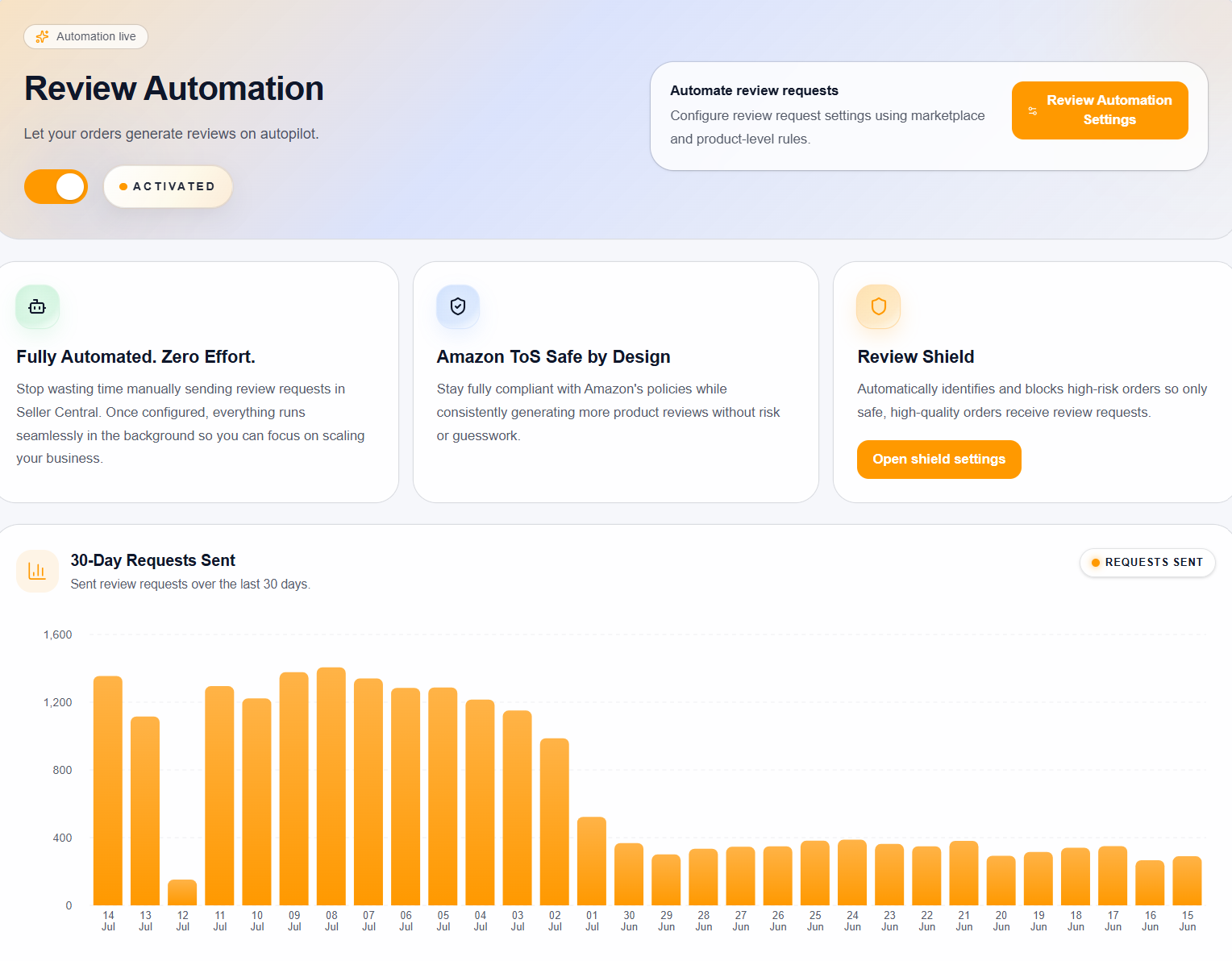
Review Automation sends Amazon's official "Request a Review" messages to your buyers on your behalf, timed to fire after the customer has actually received the product. It's the same button that lives in Seller Central under each order — just applied consistently to every eligible order, on a schedule you control, with safety rules that skip risky ones.
Marketing headline on the page:
Review Automation
Generate reviews on autopilot.
What it does
Every time you get a new order:
- It's added to the queue with a scheduled send date, computed as estimated delivery + your configured delay.
- As shipment status updates come in, the send date shifts to track the real delivery day. In Smart timing mode the delay itself is set per product, so each product waits as long as its own customers need.
- If a return, refund, replacement or ASIN-level risk flag lands before send time, the order is skipped — the request is never sent.
- When the scheduled time comes and the order is still clear, Review Automation calls Amazon's official Request-a-Review endpoint. The buyer receives the standard Amazon-branded review request in their notifications.
Nothing you send lands in the buyer's email as a personal message from you. Amazon owns the messaging channel end-to-end — that's what keeps the flow inside Amazon's policies.
Where "safe" comes from
Two things make Review Automation Amazon-safe:
- Amazon's own Request-a-Review flow. No custom email templates, no personal messages, no incentives, no follow-ups. Just the neutral, Amazon-branded review nudge that you'd otherwise click one by one in Seller Central.
- The 5–30 day window. Amazon only lets you request a review between 5 and 30 days after delivery. Review Automation enforces that window regardless of what you set as your custom delay — orders outside the window are automatically rescheduled or skipped.
Marketing cards on the page:
- Automation Settings — opens the settings modal (request timing, product-level settings and Review Shield in one place).
- Smart Timing — each ASIN is analysed for its product type and refund timing after delivery to find the optimal request day.
- Review Shield — automatically identifies and blocks high-risk orders.
Where your control lives
Three layers of configuration, cascading from broad to narrow:
- Global — one master toggle for the whole account, one default delay (5–30 days after delivery).
- Marketplace — turn automation on or off per marketplace, or set a different delay just for that marketplace.
- Product — turn automation on or off per SKU / ASIN, override the delay per product, or override per marketplace within a product for global sellers.
Whichever setting is most specific wins: a product-level marketplace override beats a product default, which beats a marketplace setting, which beats the global default.
On top of the schedule rules, Review Shield blocks whole classes of orders you'd never want a request sent to — refunded orders, returns, replacement and exchange orders, high-refund-rate ASINs.
What Review Automation is not
- Not a review-monitoring tool. It doesn't read the reviews you get, doesn't rate them, doesn't email you when a 1-star lands. It's send-side only.
- Not a follow-up messenger. There's exactly one request per eligible order, sent through Amazon's own channel. No sequences, no reminders.
- Not a review-solicitation loophole. The flow is Amazon's official one — no template customisation, no rewards, no personal messaging. Anything else would be a policy violation.
- Not connected to Rank Guard, Automation or dashboards. It runs on its own signal (order status), on its own schedule.
What you'll see on the page
Top-to-bottom:
- Header — master toggle and automation status badge (Activated / Standby).
- Three cards — Automation Settings (opens the settings modal), Smart Timing, Review Shield.
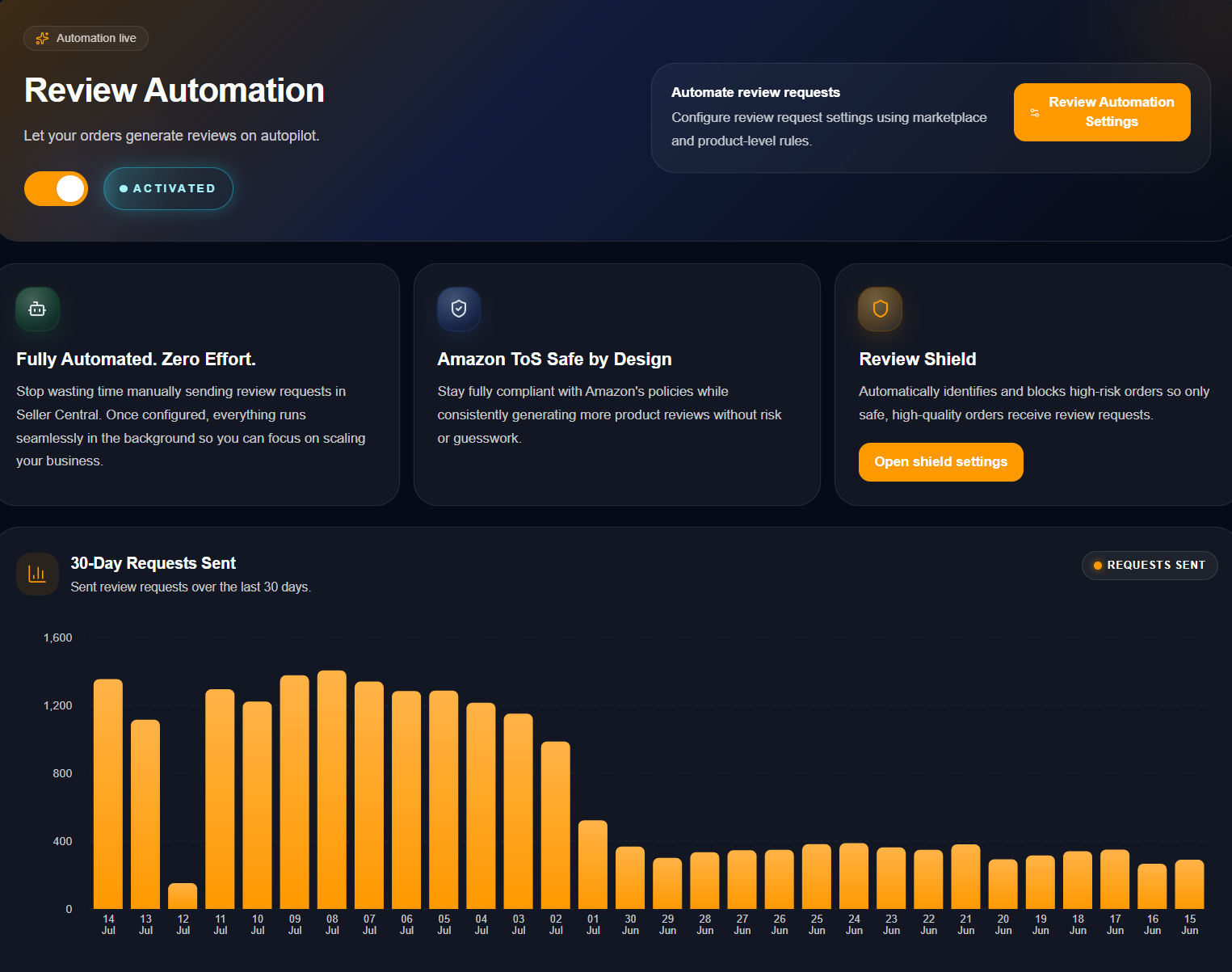
- 30-Day Requests Sent chart — a bar chart of your daily send volume.
- KPI row — Monthly Limit Usage, Requests Sent (1 year), Requests Sent (lifetime), Skipped Requests (30 days).
- Order Activity table — every order for the last 30 days, with status pills, filters, search, and a per-order toggle to turn that order's request on or off.
Next steps
- Configure the global and marketplace rules in General settings.
- Set per-SKU rules in Product-level controls.
- Understand the safety rules in Review Shield.
- Read the queue in Order Activity.