Stop-Loss
Stop-Loss is your safety net. It watches performance criteria you define, and pauses anything that trips them — a campaign, an ad group, or a specific product ad. When conditions improve, it can auto-resume.
The name is not an exaggeration: this is the algorithm you set up when you never again want to wake up to "why did I spend $400 on that dying keyword yesterday?".
What it can be applied to
Campaigns, Ad Groups, and Products. The whole tree — attach it anywhere and it protects everything below that node.
The setup — three steps
Unlike Mining and Negative, Stop-Loss is one rule per assignment (not a rule library). The wizard walks you through three gated steps.
Step 1 — Lookback window
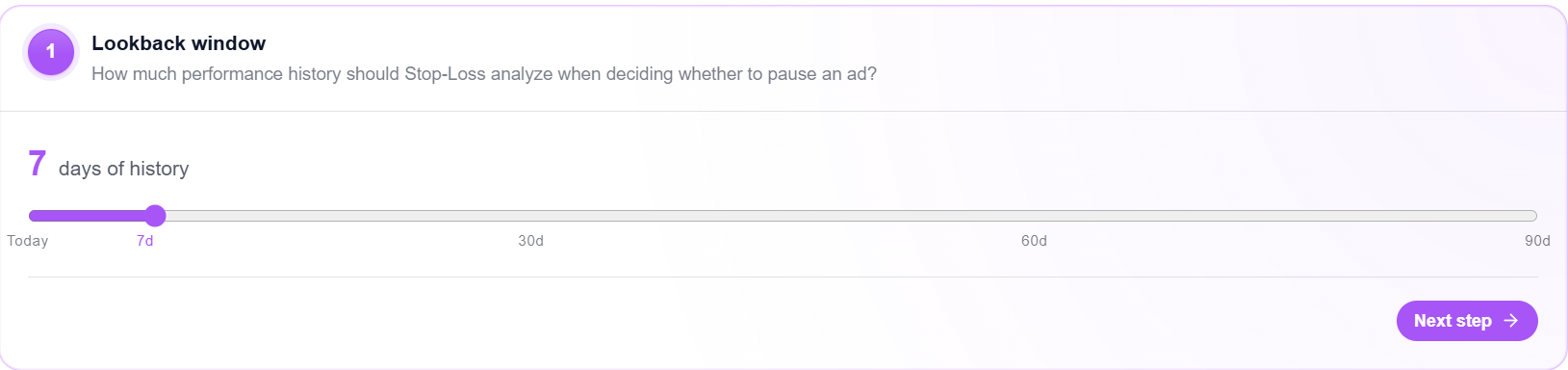
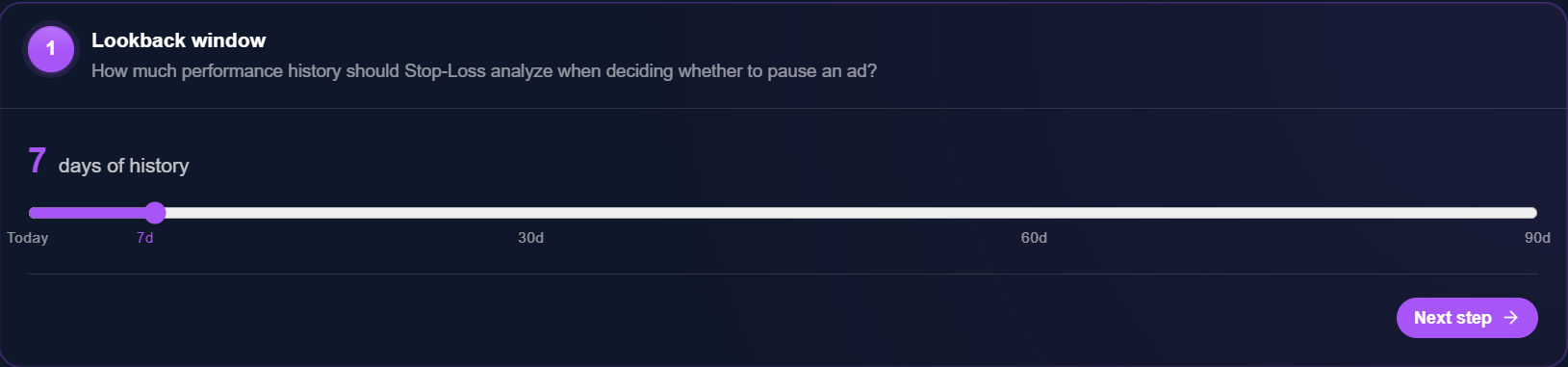
How much performance history should Stop-Loss analyse when deciding whether to pause?
A single slider that runs from Today (0) up to 90 days, with quick-jump chips at Today, 7d, 30d, 60d and 90d. Above the slider a large read-out shows what you've picked:
- Today — evaluates only the current day's partial, live data. Snappy but noisy — Stop-Loss shows an amber warning reminding you that attribution can shift as the day settles.
- N days — a rolling window from today backwards, inclusive.
The lookback applies uniformly to every criterion in your rule.
Step 2 — Pause criteria
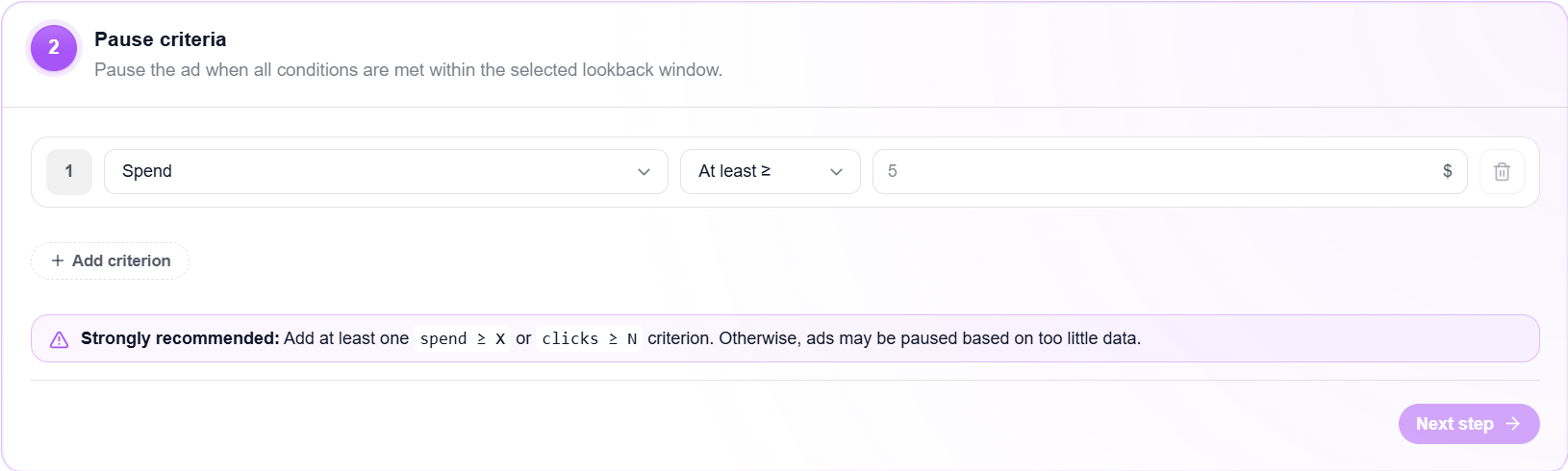
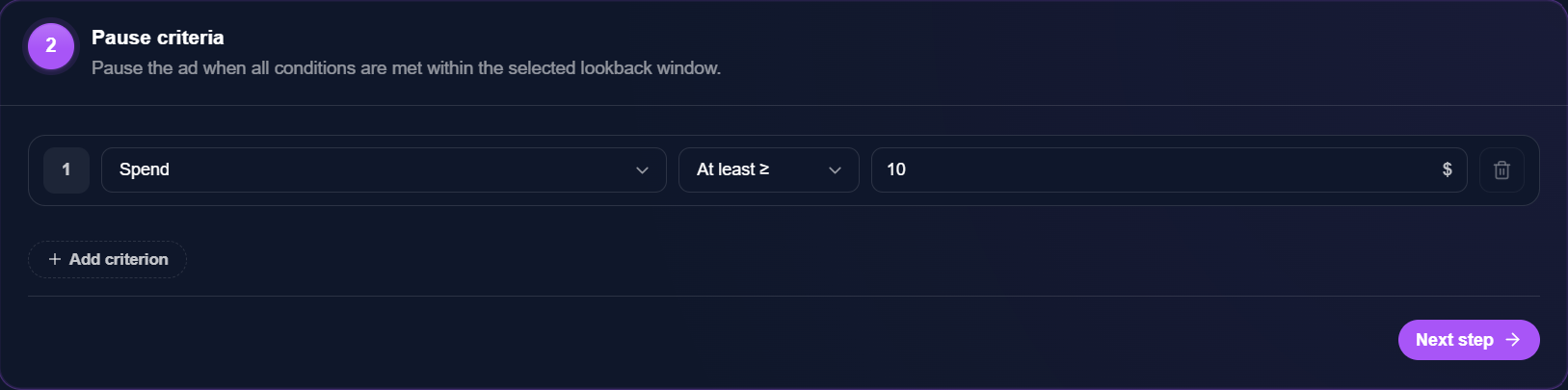
The heart of the rule. Every row is one criterion; all rows are AND-ed together, and all of them must be true for a pause to fire.
Each row has:
- Metric — pick from the same 10-metric vocabulary as the other algorithms (Impressions, Clicks, Purchases, CPC, CTR, Conversion, ACOS, ROAS, Spend, Sales). Every metric can only appear once per rule.
- Operator — At least ≥ or At most ≤.
- Value — the threshold, with $ or % suffix where relevant.
Use Add criterion for more rows and the trash icon to remove one. At least one criterion must have a value before Step 3 unlocks.
The Spend / Clicks floor warning
If your rule has no Spend and no Clicks criterion, Stop-Loss shows a highlighted recommendation:
Strongly recommended: Add at least one
spend ≥ Xorclicks ≥ Ncriterion. Otherwise, ads may be paused based on too little data.
That's because a rule like "pause when Purchases = 0" without a spend or clicks floor would pause everything that hasn't sold yet — including brand-new listings that never got a fair shot. Add "spend ≥ $10 AND purchases = 0" and Stop-Loss will only cut things that actually spent your money without converting.
Step 3 — Pause duration


Two radio-tile choices side by side:
- Pause permanently (default) — the ad stays paused until you re-enable it manually. (Attribution auto-resume may still lift it within 7 days if Amazon's late data shows the pause wasn't warranted — see below.)
- Pause temporarily — auto-resume the ad after a cool-off window. Gives it a fresh chance; if it's still failing after the cool-off, Stop-Loss will pause it again.
Selecting Pause temporarily reveals a compact editor: "Re-open the ad after [N] days regardless of performance" plus quick-choice pills for 1 day, 2 days, 3 days, 1 week, 2 weeks, 1 month. Range 1–30 days.
Attribution auto-resume (always on)
Even when you pick Pause permanently, Stop-Loss keeps a background 7-day watch on paused entities. If the pausing criteria stop being true for 12 consecutive hourly ticks, it resumes the entity on its own.
This is deliberately conservative — attribution can settle days after the fact, and a paused entity that was actually converting once the receipts came in shouldn't stay dead. You can't turn this off in the UI on purpose; it's the safety-net-for-the-safety-net.
The pause-ownership rule
Stop-Loss only resumes what Stop-Loss paused. If a pause came from Dayparting, Inventory Brake, or a manual click in the Amazon UI, Stop-Loss stays out of it. This makes it composable with every other automation without stepping on toes.
Conversely, other automations respect Stop-Loss pauses:
- Dayparting won't re-enable a Stop-Loss pause.
- Bidding treats Stop-Loss-paused targets as paused — no bid drift while they're off.
When it runs
Two schedules, one algorithm:
- Hourly tick — every hour on the hour, the standard tick evaluates every Stop-Loss assignment.
- Fast lane every 15 minutes — for rules with a spend or clicks criterion, a chained spend-sync + Stop-Loss evaluation runs. This is what catches a suddenly-runaway click campaign inside an hour, not overnight.
Activating a fresh Stop-Loss assignment triggers an immediate first evaluation — you don't wait for the next tick.
Interactions with other algorithms
- Dayparting co-enabled — Dayparting evaluates its schedule but respects Stop-Loss pauses (never re-enables them).
- Inventory Brake — different pause owner; they never step on each other.
- Rank Guard — can override Stop-Loss pauses when a rank-defence window is active. The override is logged.
- Bidding — a Stop-Loss-paused target skips bidding decisions entirely.
Common questions
Won't this pause my whole account if I misconfigure it?
Only in the scope you dropped it. Stop-Loss on one ad group can only pause things in that ad group. That said — start narrow. Try it on one campaign, watch a few days of decisions, then expand.
What if I want the entity to stay paused for 3 days no matter what?
Use Pause temporarily with 3 days. Temporary pauses expire on the timer regardless of performance; attribution auto-resume only affects permanent pauses.
Why 12 consecutive hours for attribution auto-resume?
It filters out short-lived attribution "gaps" — a single hour of clean numbers isn't evidence of recovery, but half a day is a strong signal.
Can I set different criteria for different products under the same assignment?
Not in one rule — the criteria are AND-ed across the whole scope. If you need per-product thresholds, drop separate Stop-Loss assignments on the specific ad groups or products, each with its own rule.