Running a hunt
A hunt is one search — one input, one marketplace, one click. This page walks through the search bar and what happens after you press it.
The search bar


At the top of Keyword Hunter you'll find a single input row:
- Marketplace chip on the left. Ten marketplaces supported: US, UK, DE, IN, CA, FR, IT, ES, MX, JP. Pick the one you're selling on. Change it any time — it applies to the next hunt, not retroactively.
- Search input — placeholder "Enter ASIN, product name, or keyword".
- Include variants checkbox (desktop only). Only applies when the input is an ASIN — it expands the reverse lookup to include every child ASIN in the variation family. Leave it on for products with sizes / colours / packs; off if you only care about the specific ASIN.
- Hunt Keywords button — the trigger. During the hunt it shows "Analyzing…" and is disabled.
Mode is auto-detected
You don't pick ASIN vs. keyword mode manually. Keyword Hunter looks at your input:
- Matches the ASIN pattern (
Bfollowed by 9 alphanumeric characters) → Reverse ASIN mode. - Anything else → Seed keyword mode.
Product names (e.g. "stainless steel kitchen scale") are treated as keywords, not looked up as catalog entries. If you want the ASIN version of that hunt, paste the ASIN.
Recent searches
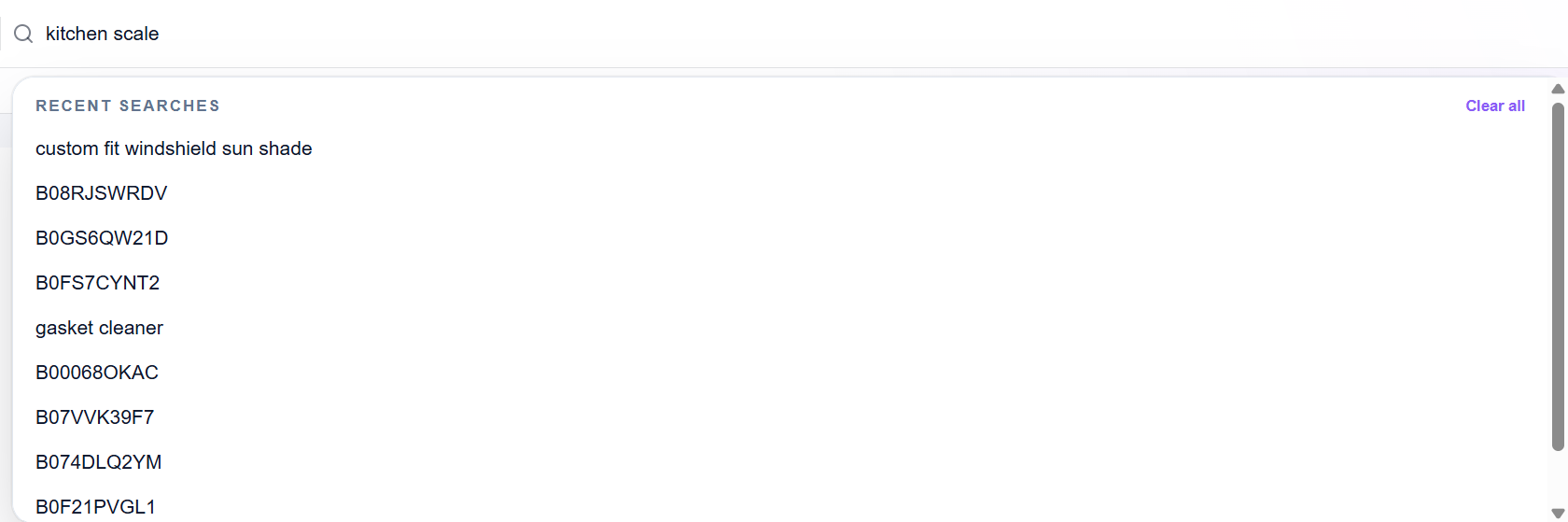
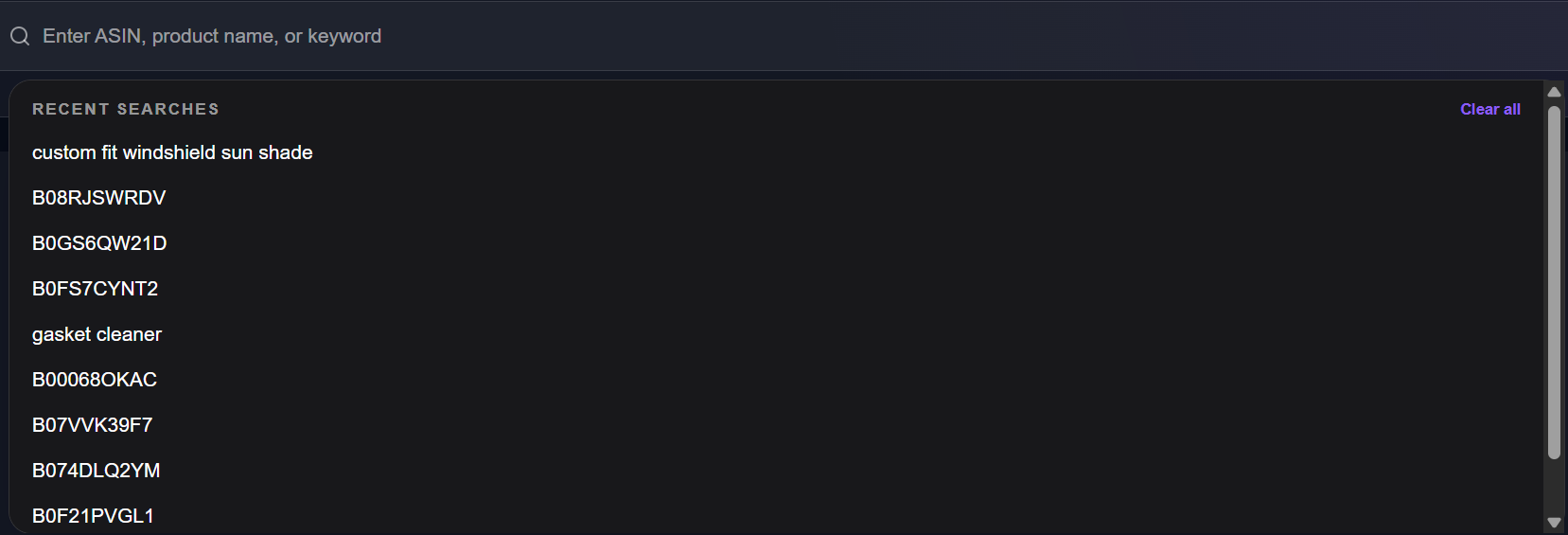
Click into the search box and, if you've hunted before in this browser, a Recent searches dropdown appears with your last 10 queries. Click one to refill the input; hit the ✕ on a row to remove just that entry; Clear all empties the list. Recent searches are stored per-browser (localStorage) — they don't sync across devices.
What happens when you press Hunt
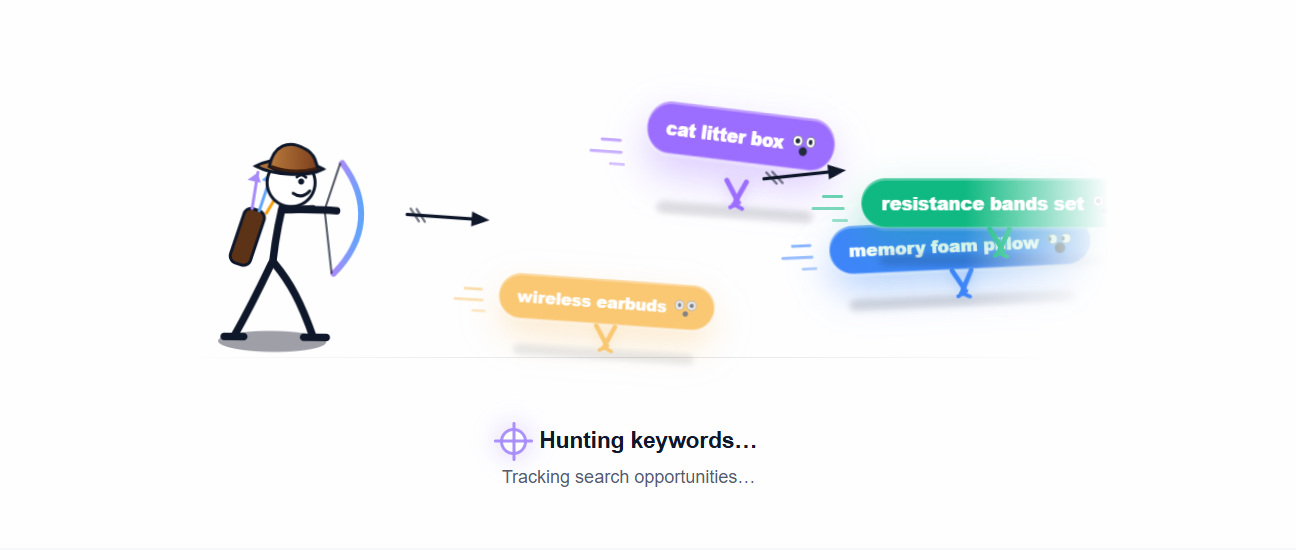

- The hunt is queued as a background job — the loader kicks in with rotating status lines ("Tracking search opportunities…", "Scanning competitor terms…", etc.).
- In parallel, the header context loads: product details in ASIN mode, or Live Top 10 SERP cards in keyword mode.
- Progress polls every second. Typical hunts finish in 10–60 seconds; obscure or brand-new terms can push toward 2 minutes.
- If the poll goes over ~2 minutes without a result, the hunt errors out with "Timeout: result not ready". Retry — the second run almost always resolves faster because upstream data has now been warmed.
- If the same hunt was run in the last 7 days (same input + same marketplace, same account), the cached result returns instantly instead of re-fetching.
Duplicates
Re-typing the exact query that's already loaded does nothing — Keyword Hunter silently ignores the second press. Change the marketplace, tick / untick Include variants, or change a character to trigger a new hunt.
Errors
Common error banners and what they mean:
- "Search failed" — the upstream keyword provider returned an error. Retry once; if it persists, try a different marketplace or a broader seed.
- "Failed to start keyword search" — the job couldn't be enqueued. Almost always transient; refresh and try again.
- "Top products unavailable: " — the Live Top 10 SERP couldn't be loaded. The keyword table is unaffected; it just means no SERP preview above.
- "Product details unavailable." (ASIN mode) — the ASIN header lookup failed. Same story: the keyword table is unaffected.
None of these errors cost you a hunt — a run that fails isn't counted against your monthly allowance.
Limits
- One seed per hunt — one ASIN or one keyword at a time.
- Up to 500 keywords returned. Popular seeds hit the ceiling; niche ones return whatever's out there.
- 10 recent searches remembered in this browser.
- 7-day result cache — the same hunt within a week returns instantly, and doesn't count against your monthly hunts.
- Monthly hunts — your plan includes a set number per billing month, shown beside the section title. Spend is plan-first, then never-expiring extra credits. When both are gone, an upgrade card appears and the Hunt button greys out until you Buy more, upgrade, or the period resets; your last results stay on screen.