Overview
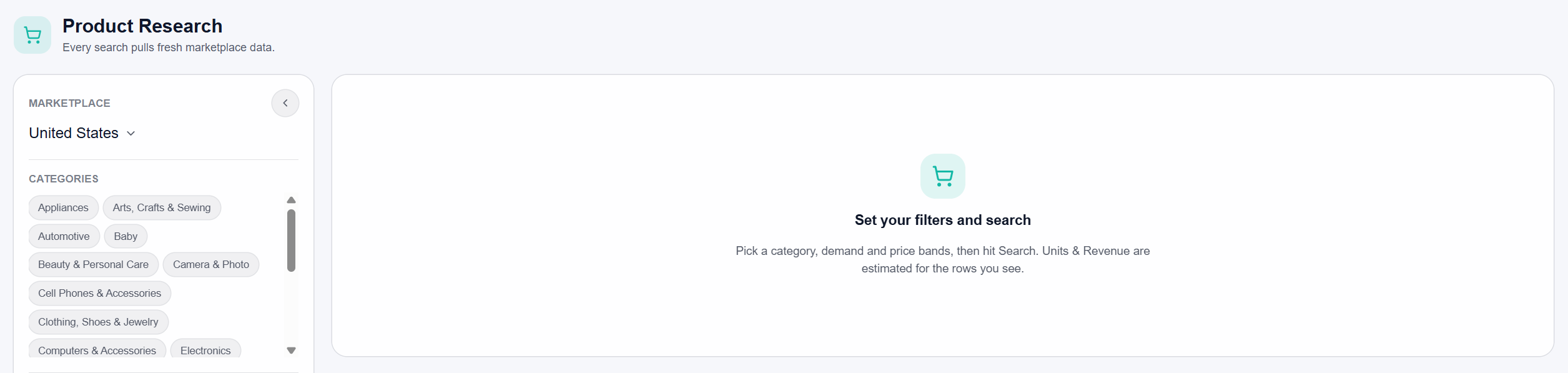
Product Research is a live catalog browser for Amazon. You set filters — category and subcategory, price band, BSR range, review count, Buy Box owner, keywords — and get back a sortable table of matching listings with estimated monthly units and revenue, fee breakdowns, sparklines, and a per-product "deep dive" panel with rank / price / review history and a seasonality analysis.
Think of it as "filter Amazon down to the products worth looking at, then screen them one by one".
Beyond the basics, you can filter by trend (On the Rise, Price change), competition (Sellers & Buy Box, Variations), listing (First Available, New reviews, Listing quality) and logistics and risk (Size tier, FBA fee, Out of stock (90 days), dangerous goods, heat-sensitive and frequently returned products), and leave out brands with Exclude brands. See Running a search for each one.
Landing hero
Above the results panel:
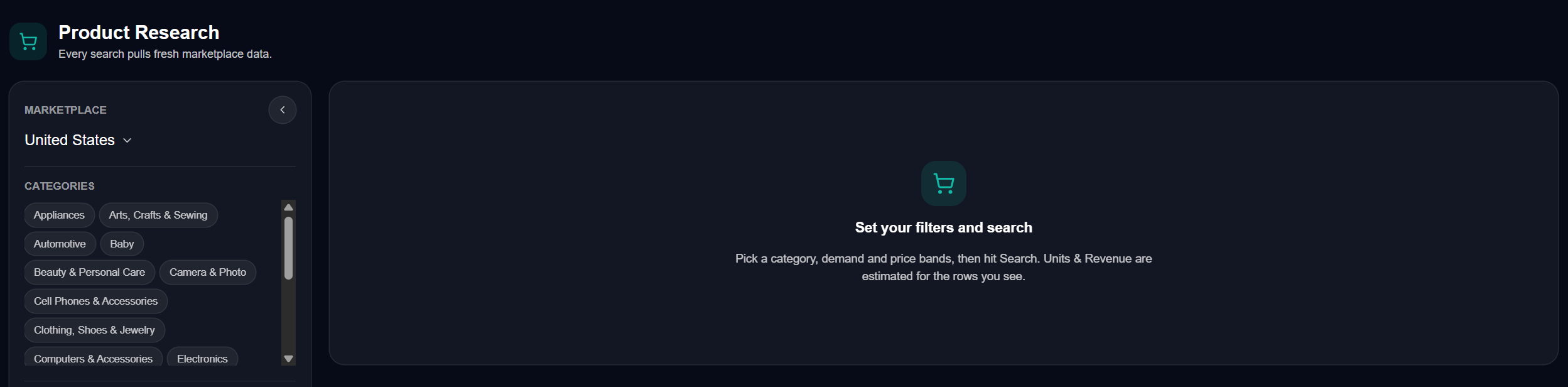
Product Research
"Every search pulls fresh marketplace data."
Below the hero sits the Strategies shelf: seven ready-made filter sets (Private Label Starter, New & Selling, Rising Stars, Low Review Barrier, Build It Better, Listing Gaps, High Price Opportunities), a Create Your Own card that saves your current filters as a preset, and your saved presets. Drag one onto the filters (tap it on mobile) to fill them in, then press Search. See Strategies for what each one looks for.
Empty state:
Set your filters and search
"Pick a strategy or saved preset above, or set your own filters, then press Search."
What each search gives you
For every product returned (up to 10,000 total matches, shown 50 per page):
- Title, brand, ASIN, image and a direct link to the listing on Amazon.
- Regular Price (listing price) and Effective Price (what a shopper actually pays after deals and coupons).
- Referral Fee and FBA Fee estimates.
- Monthly Sold and Monthly Revenue — our own 30-day estimates. See Sales & revenue estimates.
- Est. Profit (30d) — in the deep-dive drawer header, not the table: a model-based profit estimate (AI cost estimate, no ads) you refine per product in the drawer's Profit tab. The calculator icon in the Monthly Revenue cell takes you straight there.
- BSR — current Best Seller Rank plus a 30-day sparkline.
- Reviews / Rating — count and average, plus a link into the full review history.
- Sold by Amazon flag — is Amazon itself on the listing right now.
- Catalog metadata — first available date, dimensions, weight, manufacturer, model, part number, UPC / EAN / GTIN, size, colour, material, variation attributes.
- Content flags — A+ content, main video, video count.
- Variation family size — how many child ASINs share this parent.
Row click → Product Deep Dive drawer: 8 headline stats, BSR history, price history, review history, and a Seasonality analysis that flags weather-driven and occasion-driven demand patterns.
Marketplace-scoped
Every search runs against a single marketplace. Pick one from the top of the filter panel — US, UK, DE, FR, IT, ES, CA, MX, BR, IN or JP. Categories, pricing, currency and BSR are all marketplace-local. Presets you save are also marketplace-tagged when you save them.
What Product Research is not
- Not a saved list. Searches, products and detail views aren't kept server-side. If you want to persist a shortlist, export the current page to CSV.
- Not a watchlist. There's no "bookmark this product" and no "notify me when its price / BSR moves". For continuous monitoring of specific products, use Rival Watch.
- Not a keyword tool. You can filter by title text, but volumes and reverse-ASIN keyword lookups live in Keyword Hunter.
- Not a listing analyser. The drawer surfaces historical metrics but not on-page content grades. For that, use Listing Analyzer.
Where Product Research fits
| You want to… | Use |
|---|---|
| Discover new products / niches by filtering Amazon's catalog | Product Research (this tool) |
| Monitor known competitor listings over time | Rival Watch |
| Discover keywords for a product or topic | Keyword Hunter |
| Track your ranking positions for known keywords | Keyword Rank Tracker |
| Grade a listing's content and SEO | Listing Analyzer |
The typical workflow: filter here → open the drawer for the survivors → copy their ASINs into Keyword Hunter (reverse lookup), Rival Watch (add as rival) or Listing Analyzer (deep audit).
What it doesn't do (limits at a glance)
- No server-side history. Searches and drawers aren't stored between sessions.
- No in-app push to Keyword Hunter, Rival Watch or Rank Tracker. Copy the ASIN, paste it there.
- No bulk actions — no multi-row select, no side-by-side compare.
- Presets are browser-local. Saved filter sets live in this browser only; they don't sync across devices.
Next steps
- Configure your first search in Running a search.
- Start from a ready-made filter set with Strategies.
- Get familiar with the results columns in The results table.