Generating a listing
Generation is one form and one click. This page walks through the fields, the loading flow, and what happens if something goes wrong.
The input form
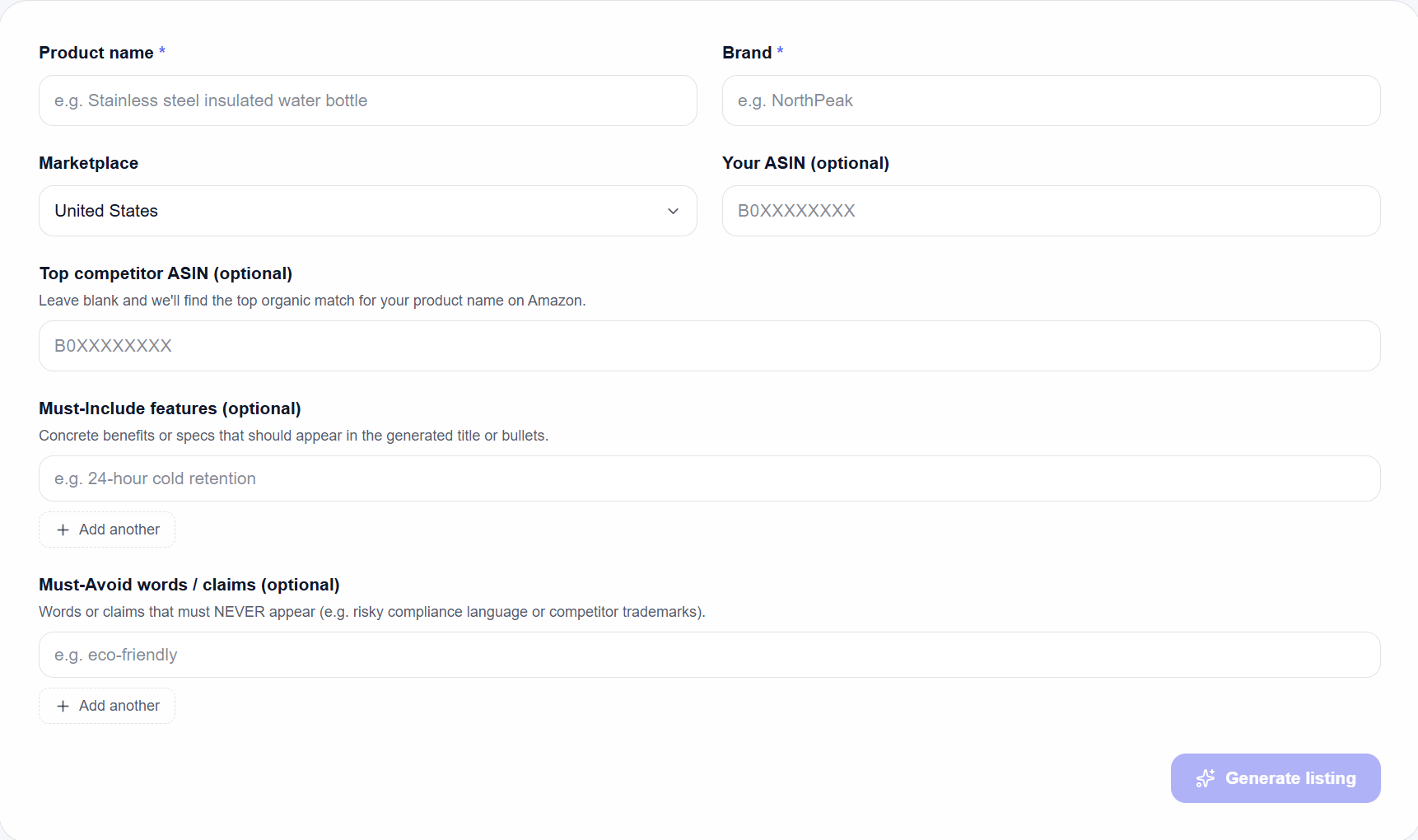
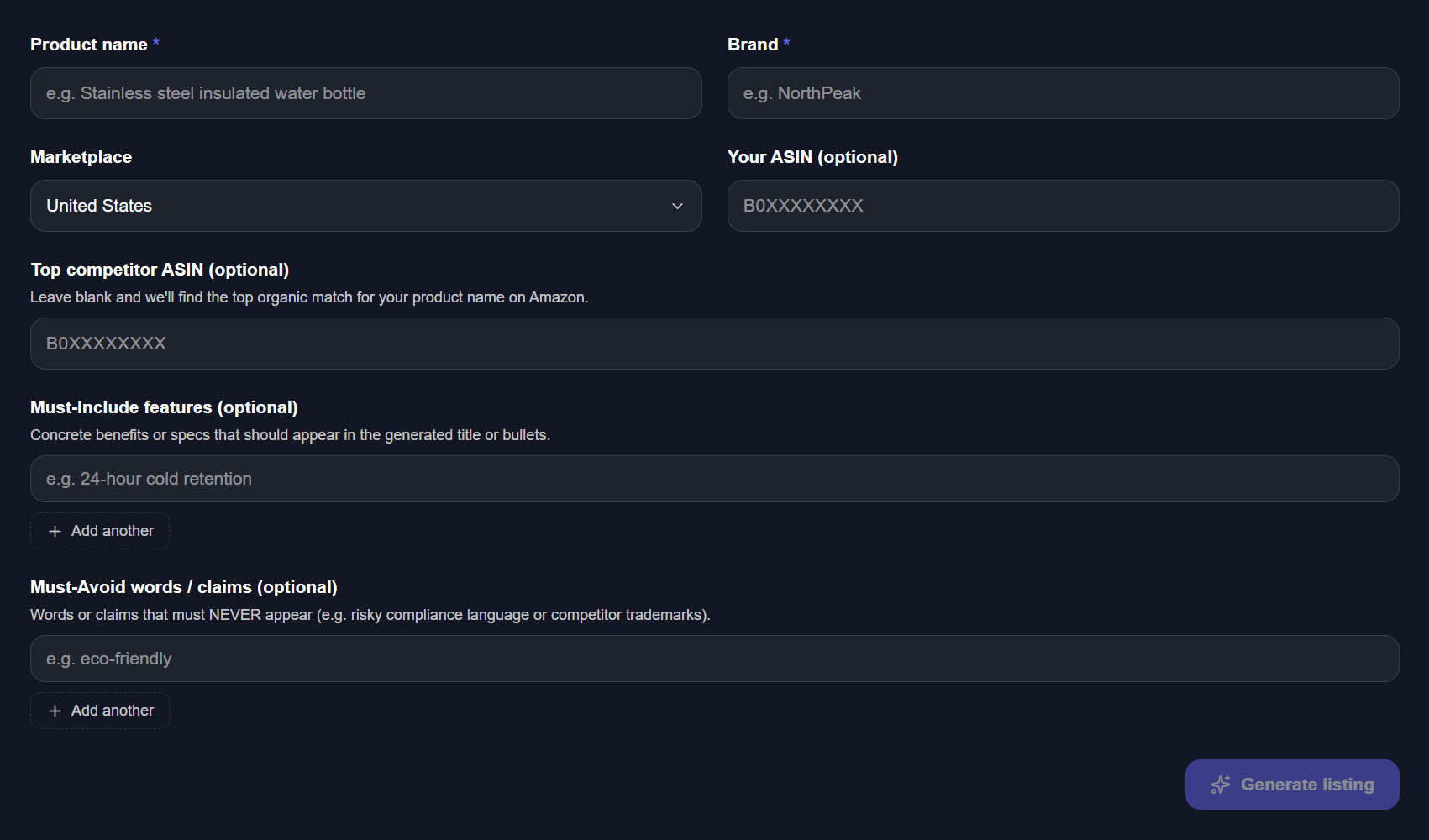
Open Listing Studio → Listing Builder from the sidebar. The input form is a two-column grid.
Required fields
- Product name — a plain-English description of what you sell. Placeholder example: "Stainless steel insulated water bottle". Not a keyword — think product noun + core defining spec.
- Brand — your brand name. This is the token the title will lead with.
Skip either and the form flags: "Please enter the product name." / "Please enter the brand name."
Marketplace
Ten marketplaces supported: US, UK, DE, IN, CA, FR, IT, ES, MX, JP. The marketplace determines:
- Which language the title / bullets come out in.
- Which market's keyword universe seeds the SEO score.
- Which currency and policy rules the compliance checks assume.
Optional identifiers
- Your ASIN (optional) — the 10-character ASIN on Amazon if this product already has a listing there. When provided, the tool uses this ASIN's keywords as the source. If invalid: "Your ASIN is not valid. Use a 10-character ASIN like B0XXXXXXXX, or leave it blank."
- Top competitor ASIN (optional) — a competitor whose keywords you want to benchmark against. Helper: "Leave blank and we'll find the top organic match for your product name on Amazon."
Discovery precedence (from strongest to weakest):
- Competitor ASIN if you gave one.
- Your ASIN if you gave one.
- Top organic search result for the product name on the selected marketplace.
If none of those return a workable listing, you'll see: "Could not find a competitor ASIN on Amazon for the given product name." Try a broader product name (drop the brand and specs), or paste a competitor ASIN by hand.
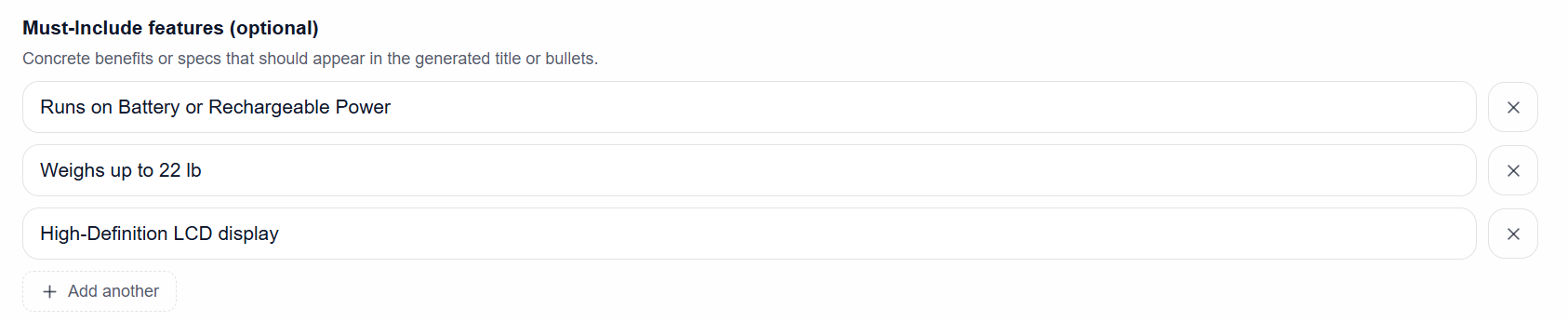
Must-Include features (optional)
Dynamic rows — Add another to expand. Use these for concrete product truths the copy must cover:
- "18-ounce capacity"
- "24-hour cold retention"
- "BPA-free stainless steel"
- "Fits standard car cup holders"
Do not use this field for SEO keywords. The tool already has those from the reverse-lookup. Must-Include features are the non-negotiable specs and benefits — the title and bullets will bend around them.
Must-Avoid words / claims (optional)
Dynamic rows. Use these for compliance-sensitive terms, trademark risks, or claims your legal or brand team has ruled out:
- "medical-grade"
- "BPA free" if you can't legally verify it
- Any competitor brand names
- Superlatives you don't want in your copy ("world's best")
The AI won't include anything from this list in the generated copy.
Running the generation
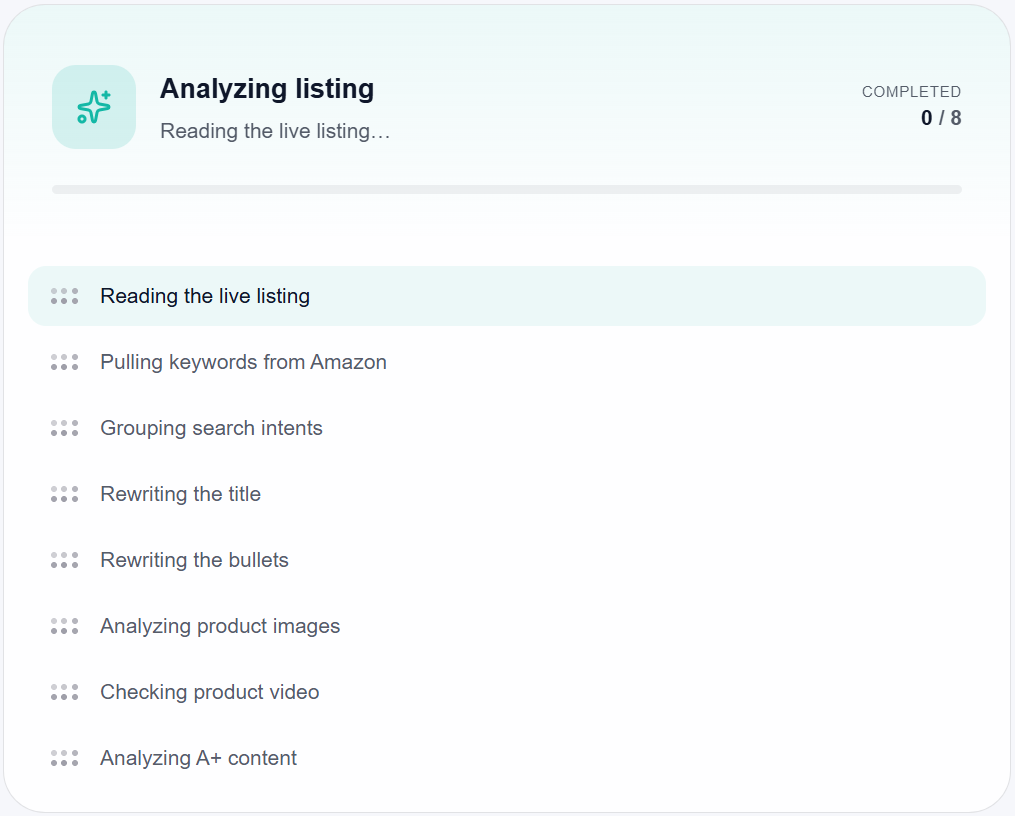
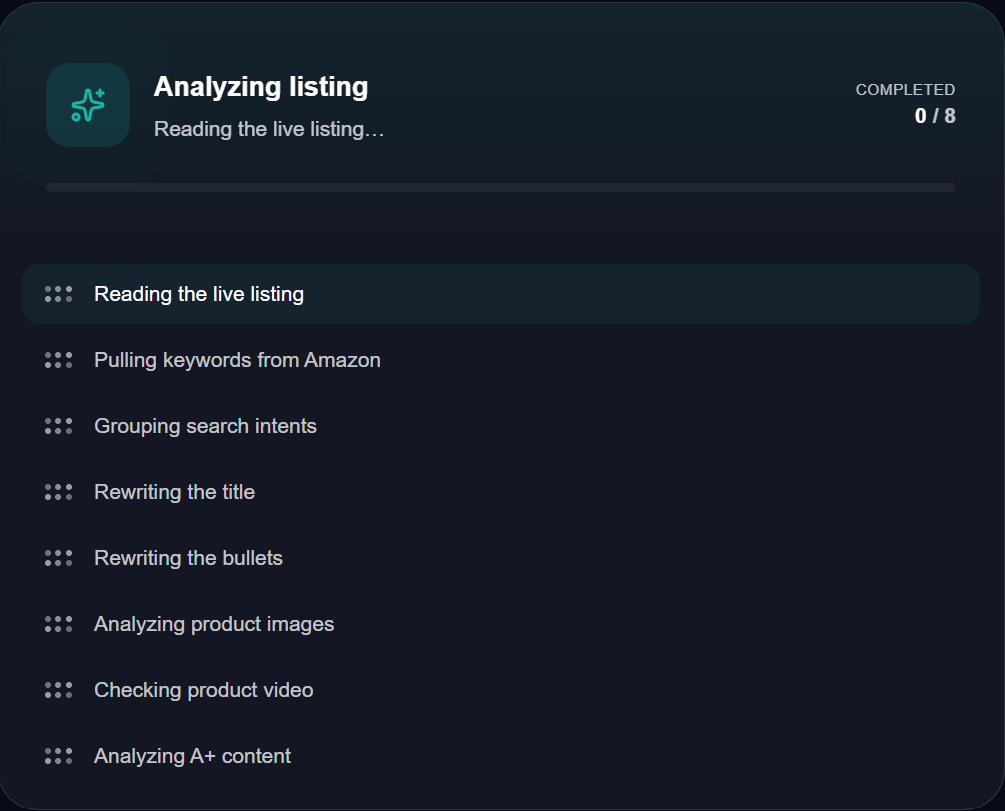
Generate listing kicks off the pipeline. During the run:
- Button switches to Generating listing and disables.
- A step-checklist loader shows the pipeline progressing: reading the reference listing, pulling keywords, grouping intents, writing the title, writing the bullets, writing the description, building the image brief, checking video, building the A+ brief.
Typical timing
- 60–90 seconds — common products on mainstream marketplaces.
- ~2 minutes — obscure products or heavy competitor A+ galleries.
- ~3 minutes hard timeout — after which you'll see: "Timeout: generation is taking longer than expected." Retry — the second attempt is faster because upstream data is warm.
When it finishes
The form steps aside and the finished build takes over the page, as a vertical stack:
- TITLE — score ring, character count, your generated title, Copy button, SEO and compliance breakdowns, keyword table.
- BULLET POINTS — score ring, generated bullets, Copy button per bullet, intent coverage accordion, compliance breakdown.
- Product Description — the generated description, Copy button, and a character counter against Amazon's 2000-character limit.
- Backend Keywords — the word bag for the backend search terms field, Copy button, and a counter against Amazon's 249-byte limit.
- Image Creative Brief — the photography plan.
- A+ Content Creative Brief — the A+ module plan.
The scoring uses the same rubric as Listing Analyzer — Title = SEO 80% + Compliance 20%, Bullets = Intent Coverage 80% + Compliance 20%. Sections 3 to 6 don't have scores: the briefs are plans rather than audits, and Amazon's description and backend fields have no published scoring rubric to grade against, so those two ship with the limit counters instead.
To go back to the form, use Build another listing at the top of the page. It returns you to an empty form — the build you were looking at is already saved, so nothing is lost.
Recent builds
Every finished build is saved automatically and listed under Recent builds, on the entry screen below the form. Click one to bring it back on screen exactly as it was generated — reopening a build costs nothing, no allowance is spent.
Only the last 10 builds are kept; older ones drop off as new builds arrive, so copy or download anything you want to keep permanently. You can also delete a build from the list yourself.
Re-generating
Click Build another listing to return to the form, then fill it in again — every run goes through the entire pipeline from scratch, with no cached result reuse. Change something (a different competitor, an extra must-include feature, a different Must-Avoid word) to explore variations.
Because nothing is reused, each re-generation spends one build — plan allowance first, then never-expiring extra (top-up) credits if you have any (shown beside the section title). A run that fails or times out doesn't count. When both plan room and extra credits are gone, Generate listing greys out and an upgrade card appears until you Buy more, upgrade, or the billing period resets — your saved builds stay open and copyable either way.
Common validation errors
- "Please enter the product name." / "Please enter the brand name." — required fields empty.
- "Your ASIN is not valid. Use a 10-character ASIN like B0XXXXXXXX, or leave it blank." — ASIN doesn't match Amazon's shape.
- "Competitor ASIN is not valid." — same for the competitor field.
- "Failed to start generation" — job couldn't be enqueued. Almost always transient; retry.
- "An error occurred while generating the listing." — see the message, retry.
- "Could not find a competitor ASIN on Amazon for the given product name." — see the discovery precedence above; broaden the name or paste a specific competitor.
After generation
The title and bullets are ready to copy into Seller Central. The two briefs are your working documents for photography and A+ production — pass them to your photographer / designer.