Overview
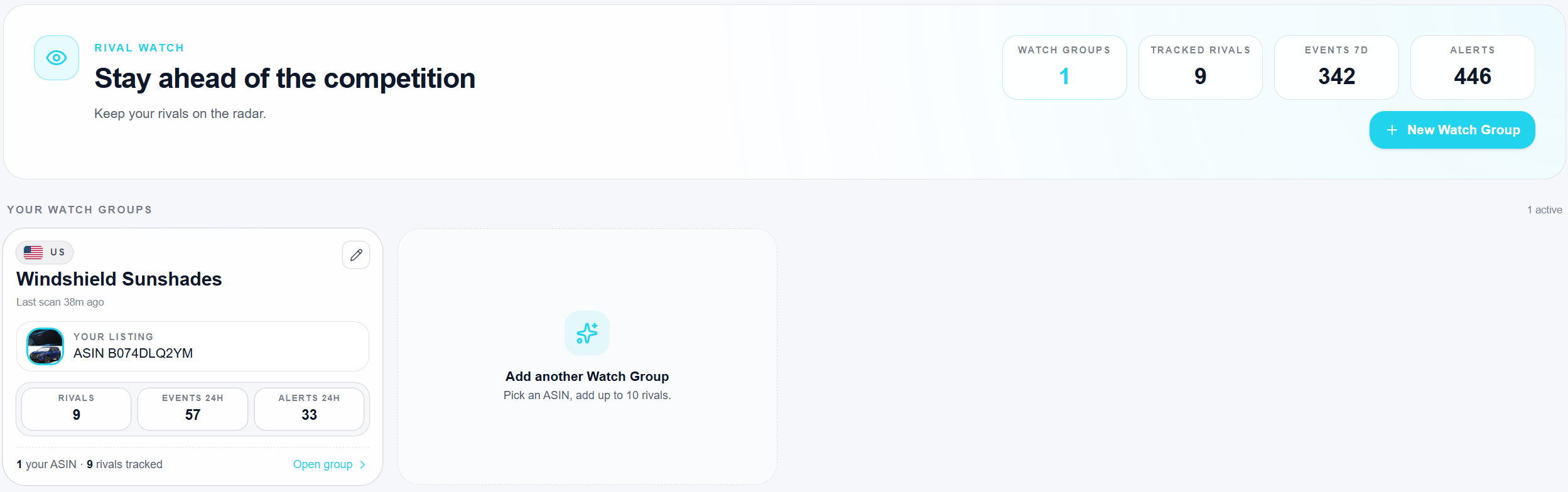
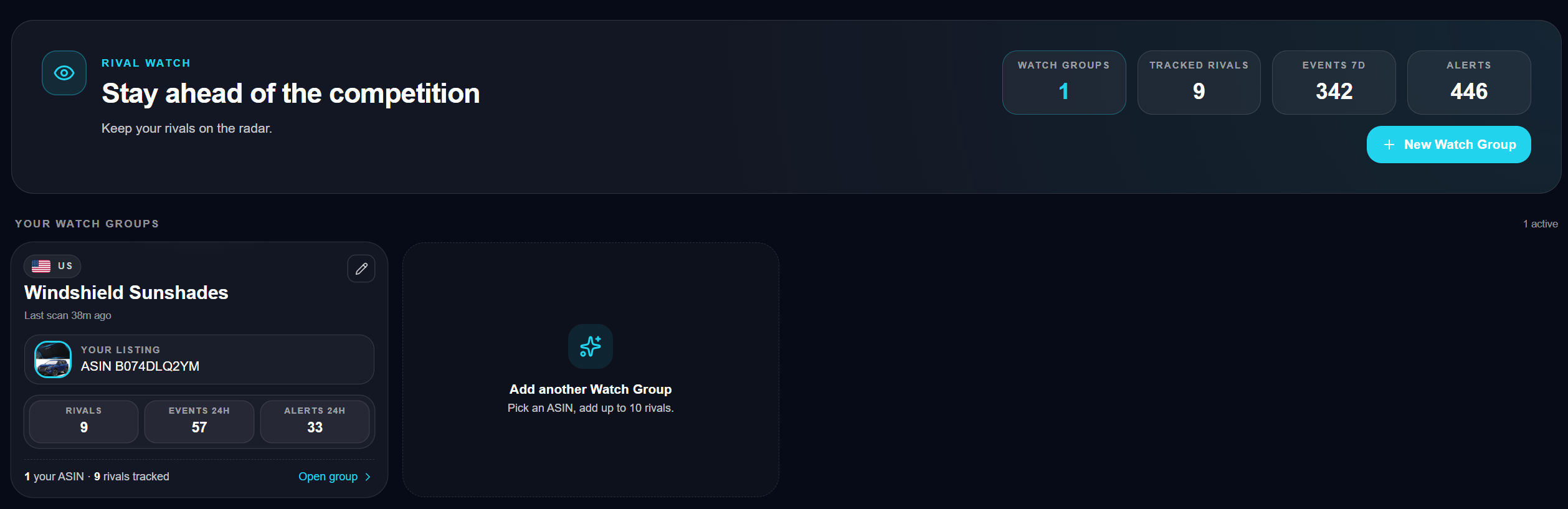
Rival Watch keeps a small set of listings — one of yours and up to ten rivals — under continuous observation, and tells you when something changes that's worth reacting to. Instead of manually clicking through competitor PDPs every morning, you set up a Watch Group once and the tool does the checking for you.
The Watch Group idea
Everything in Rival Watch is organised into Watch Groups. One group is:
- One marketplace (US, DE, UK…). A group is locked to its marketplace on creation — you can't move it later.
- One of your own ASINs (optional in manual mode, required in auto mode).
- Up to 10 rival ASINs — either you pick them by hand, or the tool auto-populates them from your subcategory's Top 5 or Top 10 leaderboard.
Every group lives on its own page, with its own scan history, alerts feed and AI-written digest. Most sellers end up with one group per product line they actually watch closely.
What Rival Watch tracks
For every ASIN in a group, Rival Watch reads Amazon's product page and stores a full snapshot on every scan. Two scans back-to-back get diffed against each other — that diff is the source of everything you see downstream (alerts, timeline events, charts).
Signals watched today:
- Prices — list price, sale price (strike-through), coupon, deal (limited / prime), Prime member discount, and the effective price you'd actually pay after all of those.
- Best Seller Rank — main category and subcategory rank, refreshed on each scan.
- Subcategory leaderboard — for auto Top 5 / Top 10 groups, the current leaderboard is re-checked every scan; entrants and exits become events.
- Badges — Best Seller, Amazon's Choice, Climate Pledge Friendly, Premium Brand, Frequently Returned. Both direction changes (gained / lost) are captured.
- Buy Box — seller changes and Buy Box suppression (whichever side of the market it happens on).
- Stock — in stock, low stock, out of stock, or delivery delayed.
- Reviews & rating — count, average, and review velocity (new reviews per window).
- Listing edits — title and main image changes (bullet / A+ / video / variation changes are captured in the snapshot but not currently surfaced as separate events).
- Catalog metadata — seller, fulfillment (FBA / FBM / Amazon), part / model / package details.
Each rival also gets a rolling Pressure Score (0–100) — a composite of badges, deals, coupons, review momentum, effective price and BSR ratio versus your own listing. It's a fast at-a-glance signal for "who's putting real pressure on me right now".
Watch Alerts
When a diff matches a rule you've enabled, Rival Watch fires a Watch Alert. Alerts come in three flavours:
- Opportunity — something you can capitalise on (a rival went out of stock, dropped a badge, cut their coupon).
- Risk — something that hurts you (a rival dropped below your price, took a badge you had, your Buy Box got suppressed).
- Info — informational only (a rival tweaked a title, added a new variation).
Alerts appear in the group's Watch Alerts panel and are also folded into the daily digest email. Rules — which events actually generate alerts, and with what thresholds — are fully configurable per group.
Daily rhythm
Rival Watch runs on a fixed 12-hour scan cadence — no per-group overrides, no minute-by-minute polling. Everything below is calibrated to that beat.
- Twice-daily scans — every ASIN in every group is checked, diffed, and rule-evaluated.
- 07:00 digest email — one consolidated email covering every group, its digest, and the last 24 hours of alerts.
- Manual refresh — you can force a scan yourself up to 3 times per 24 hours per group if you can't wait for the next tick.
Where Rival Watch fits
Rival Watch is a monitoring tool. It watches, reports, and suggests — but it doesn't take actions on Amazon on your behalf. Contrast with the neighbours:
| You want to… | Use |
|---|---|
| Watch competitor listings for changes and get alerted | Rival Watch (this tool) |
| Track where your ASINs rank in Amazon search for a fixed keyword list | Keyword Rank Tracker |
| Automatically defend a product's BSR with price + ad actions | Rank Guard |
Rank Guard is closed-loop — it observes and acts. Rival Watch is open-loop — the loop closes on you, the seller, deciding what to do.
What it doesn't do
- No automatic actions — Rival Watch never changes your prices, ad spend, or listing. Suggested actions in alerts are just text.
- No mid-scan polling — the cadence is 12 hours. If you want faster, use manual refresh (with quota).
- No cross-marketplace groups — one group, one marketplace.
- No email alerts on every change — alerts land in the app immediately; email lands once per day in the morning digest.
Next steps
- Build your first group in Creating a Watch Group.
- Learn to read the detail page in Inside a group.