Overview
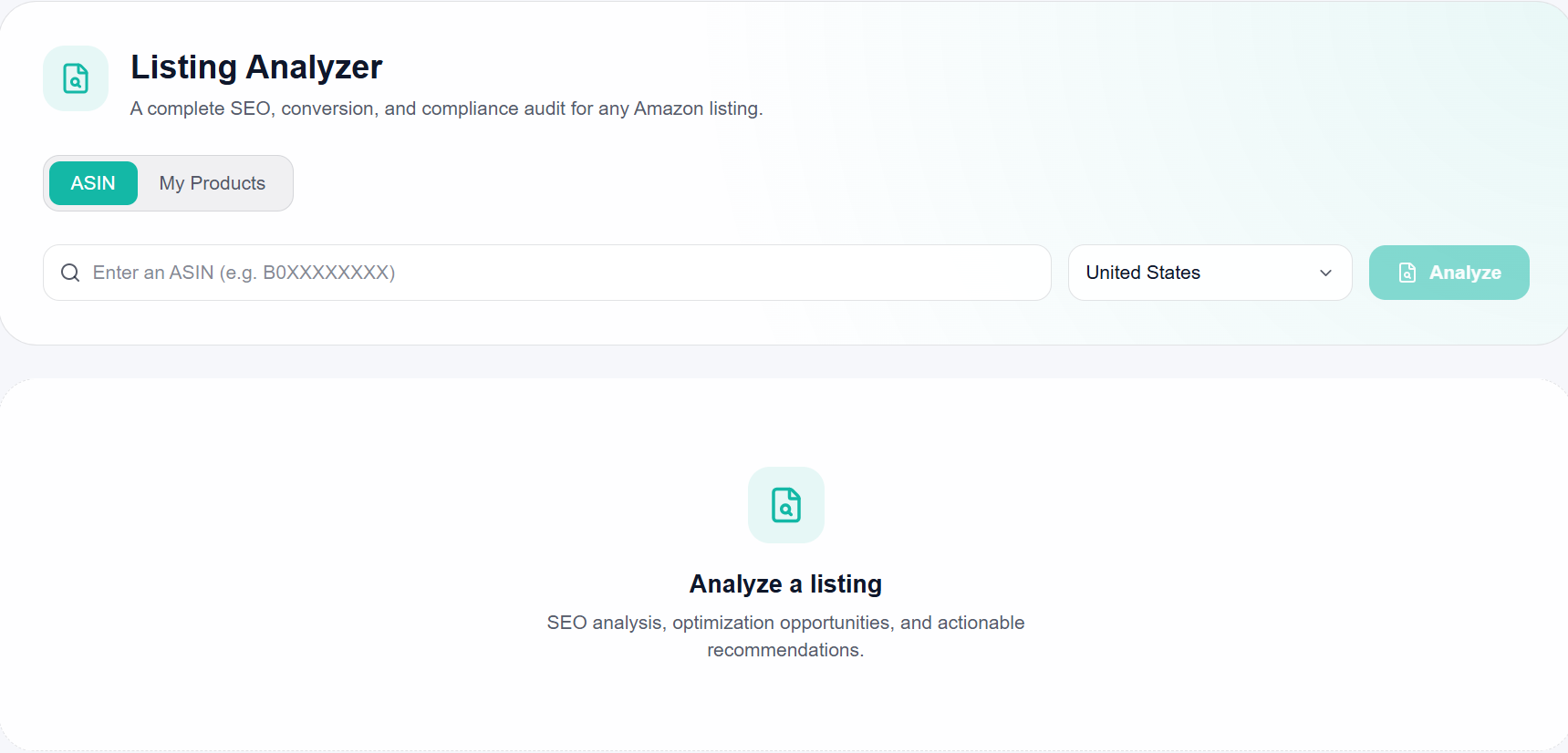
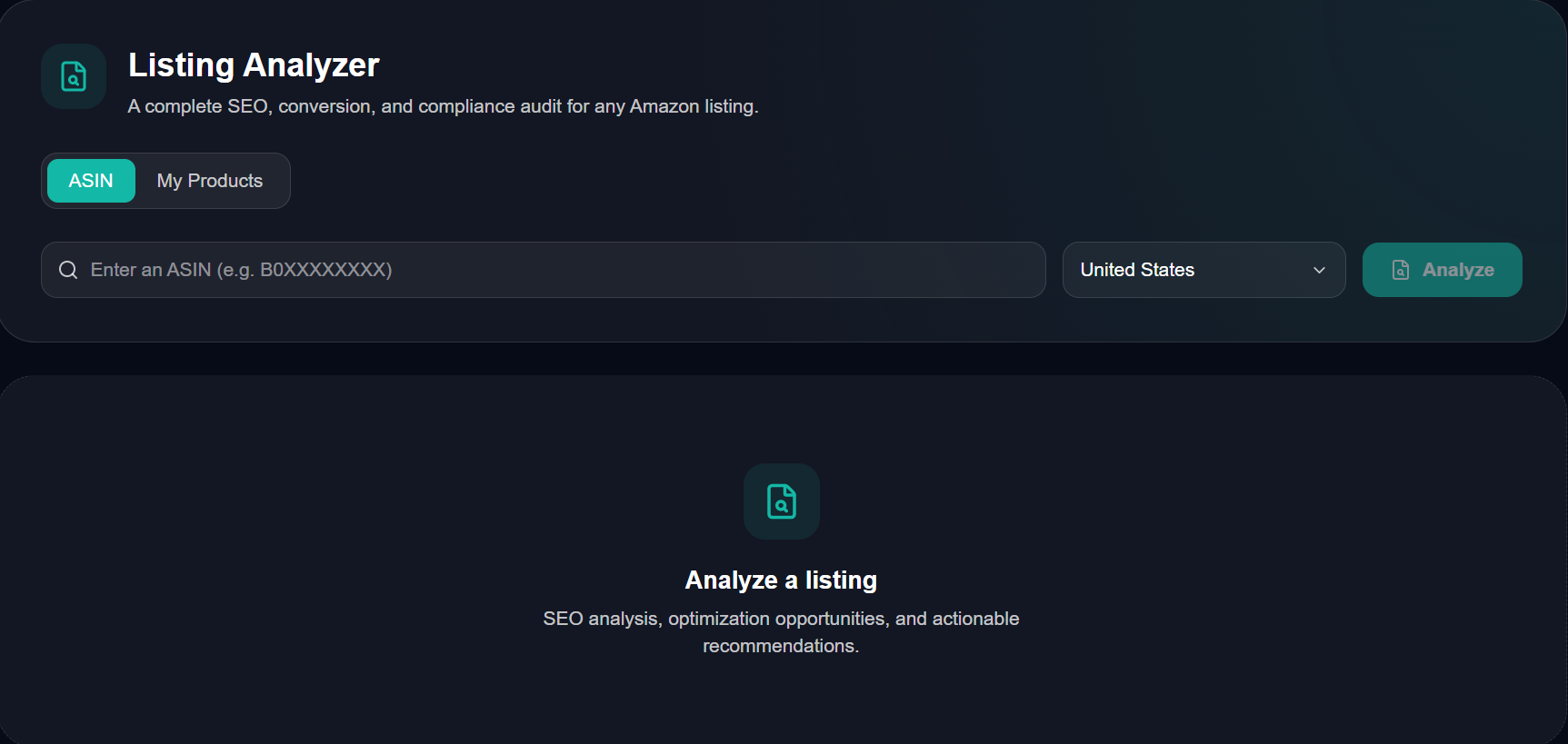
Listing Analyzer grades an Amazon listing end-to-end — title, bullets, images, video, and A+ content — and hands back a score, a set of policy checks, and concrete rewrites where they'd help. You point it at any ASIN on any supported marketplace; the tool does the reading, scoring, and suggesting.
Marketing summary as shown on the page:
Listing Analyzer
A complete SEO, conversion, and compliance audit for any Amazon listing.
What the report contains
Every analysis is broken into five weighted sections:
| Section | Weight | Two-part score |
|---|---|---|
| Images | 33% | Quality × 80% + Compliance × 20% |
| Title | 25% | SEO × 80% + Compliance × 20% |
| Bullets | 22% | Intent coverage × 80% + Compliance × 20% |
| A+ content | 15% | Quality × 80% + Compliance × 20% |
| Video | 5% | Presence and best-practice checks |
Sections that can't be read (a video-less listing, no A+, gallery couldn't be captured) are handled cleanly — genuine gaps score 0 with an "opportunity" flag, technical read-fails are excluded and the remaining weights are re-normalised.
On top of the per-section scores, three tallies at the top of the report:
- Violations — hard policy issues that could get the listing suppressed.
- Opportunities — areas where the listing is under-performing and could improve.
- Strengths — things the listing already does well.
What the tool actually does
For each analysis, in the background:
- Reads the live listing — title, bullets, gallery, video presence, A+ modules, category, BSR, star rating, review count.
- Pulls the market keyword universe — up to ~500 real Amazon searches, with monthly volume, for the product's market. The listing is scored against what shoppers search for in that market, not only against the terms it already happens to rank for.
- Groups searches into intents — clusters keywords into 8–20 shopper intents (e.g. "non-slip yoga mat", "eco-friendly mat") with on-target / off-target flags.
- Filters generic words — strips brand, model, and noise words so title scoring focuses on real keywords.
- Suggests a new title if the current one falls below "Excellent".
- Suggests new bullets if the current bullets fall below "Excellent".
- Grades the images — slot coverage (hero, lifestyle, infographic, dimensions, materials, problem-solution) plus a 5-pillar quality rubric and Amazon image policy checks.
- Grades the A+ content — quality rubric across module types plus A+ policy checks. Awards the Premium A+ blend when applicable.
- Grades the video — presence, mobile-friendliness, number of videos.
Everything runs as a single background job. Typical listings finish in 20–60 seconds; heavy A+ or long galleries can push toward 2 minutes. There's a hard ~3-minute timeout with a retry-friendly error.
Where Listing Analyzer fits
Listing Analyzer is an audit tool — it grades what's live. Contrast with the neighbours:
| You want to… | Use |
|---|---|
| Grade an existing listing's SEO, conversion and compliance | Listing Analyzer (this tool) |
| Generate a brand new listing from a product concept | Listing Builder |
| Discover keywords driving traffic to any ASIN | Keyword Hunter |
| Track ranking positions for known keywords over time | Keyword Rank Tracker |
| Filter Amazon's catalog to find products | Product Research |
What it doesn't do
- No description or backend-keywords analysis. The tool grades what's visible on the page (title, bullets, images, video, A+).
- No competitor comparison view. The report grades one listing; there's no side-by-side compare.
- No manual seed keywords. The keyword universe is derived from the product itself.
- No permanent archive. Every click re-runs the full analysis, and only your last 10 reports are kept under Recent analyses (reopening one is free); older ones drop off, so save the PDF of anything you want to keep permanently.
- No public share link. Export to PDF and send the file.
Next steps
- Run your first analysis in Running an analysis.
- Understand the overall score in The overall report.