Overview
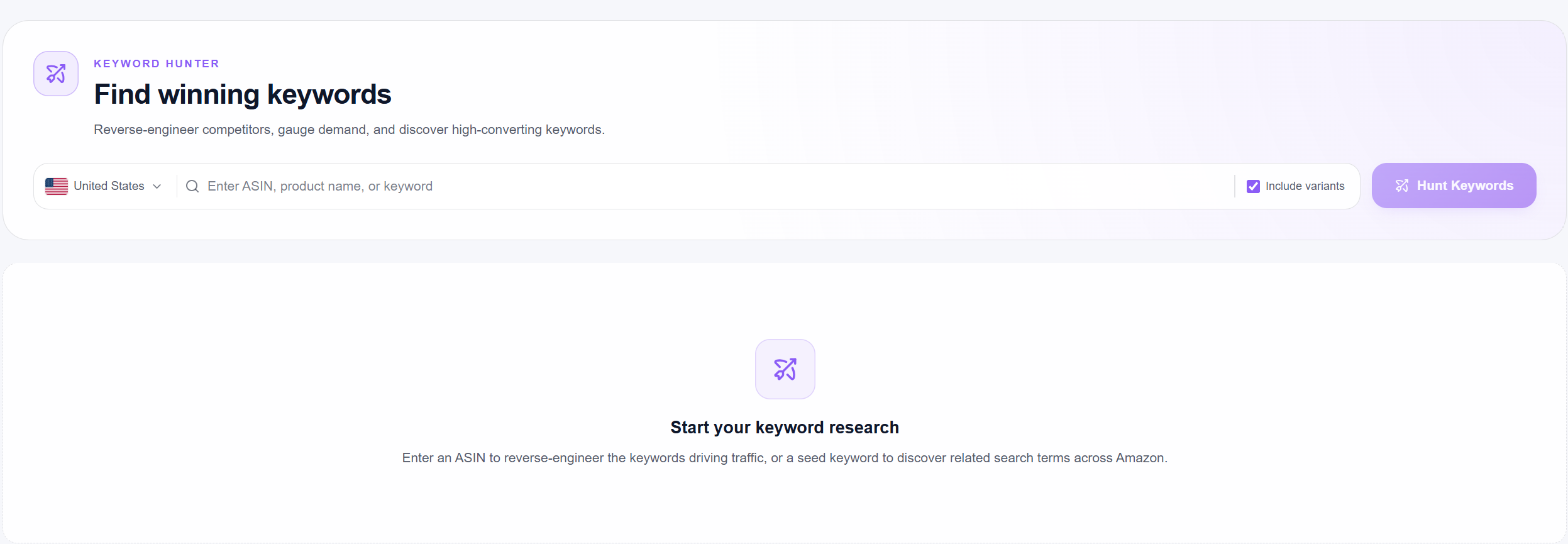
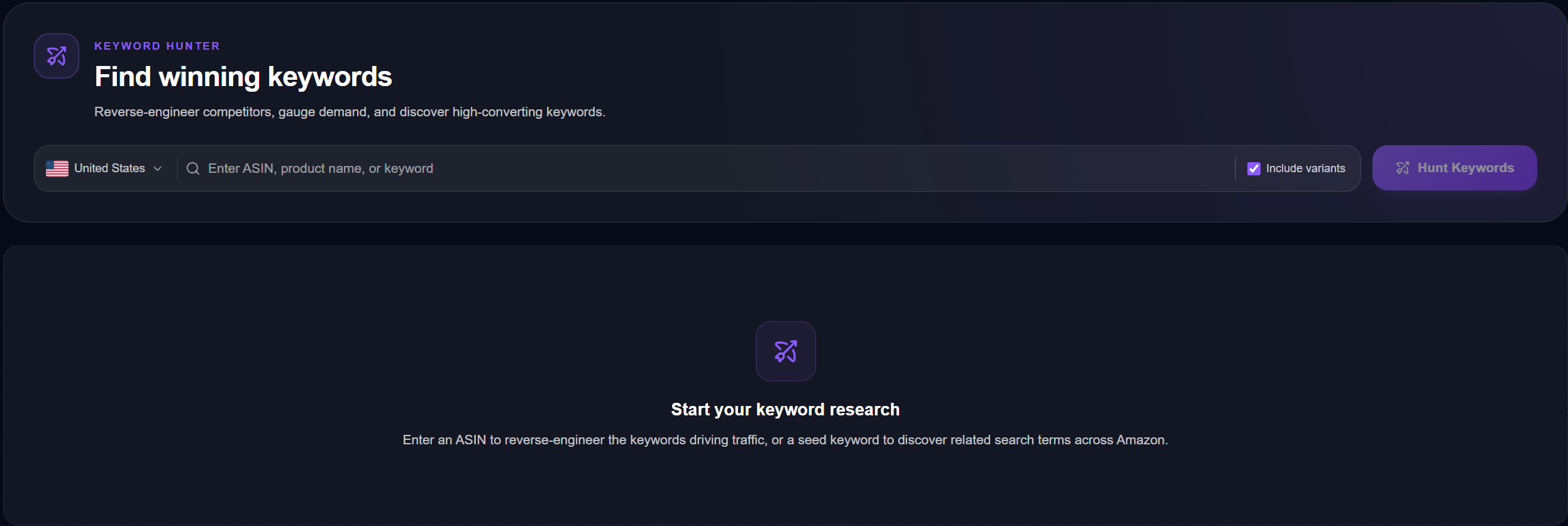
Keyword Hunter is where you go when you want ideas — the keywords driving traffic to a specific listing, or the search terms adjacent to a topic you're targeting. You give it one input, it does the research, and you walk away with a filterable table of keywords and their commercial signals.
Two modes, auto-detected
You never have to pick a mode. Keyword Hunter looks at what you typed:
- Starts with
Band looks like an ASIN (B0XXXXXXXX) → Reverse ASIN mode. Finds the keywords driving traffic to that product, plus organic / sponsored / overall rank columns showing exactly where that ASIN ranks for each term. Use this to reverse-engineer a winning listing (yours or a competitor's). - Anything else (a phrase, a product name, a single word) → Seed keyword mode. Finds related Amazon search terms around that seed, plus a Live Top 10 SERP preview so you can see who's ranking right now. Use this to explore a topic without a starting ASIN.
Both modes return the same table structure with the same commercial signals — only the extra context above the table changes.
What each hunt gives you
For every keyword returned (up to 500 per hunt):
- Search volume — Exact and Broad monthly search estimates.
- Trends — 30-day and 90-day movement (rising / falling / flat).
- PPC bids — suggested Sponsored Products CPC for Exact and Broad match, plus Sponsored Brands bid in ASIN mode.
- Difficulty — a 0–100 ease-of-ranking score bucketed into Very Hard / Hard / Challenging / Moderate / Easy.
- Smart Score — Keyword Hunter's own priority score, blending relevancy with volume. Sort by this and the "best keywords for this search" bubble to the top.
- Demand / Supply — the D/S ratio (exact volume ÷ organic competitors). Higher means less crowded relative to demand.
- Rank columns (ASIN mode only) — where that ASIN currently sits for each term (organic / sponsored / overall).
- Category — the dominant category ranking products in the SERP live in.
- Relevancy — how strongly the keyword is tied to the seed.
Plus a Generic Keywords section that extracts unique words from the result set — a ready-to-paste bag for your backend search terms field (capped at 249 bytes, the Amazon limit).
Marketplace-scoped
Every hunt runs against a single marketplace. Pick one from the chip picker next to the search bar before you hunt — US, UK, DE, IN, CA, FR, IT, ES, MX or JP. Volumes, competitors, prices and SERP previews are all marketplace-local. Re-hunting the same query on a different marketplace is a separate hunt.
Where Keyword Hunter fits
Keyword Hunter is a discovery tool. It surfaces ideas — but it doesn't monitor them, launch ads against them, or push them anywhere. Contrast with the neighbours:
| You want to… | Use |
|---|---|
| Discover new keywords for a product or topic | Keyword Hunter (this tool) |
| Track where you rank for a fixed list of keywords over time | Keyword Rank Tracker |
| Build a Sponsored Products campaign around a product | Campaign Builder |
| Analyse an existing listing's content and SEO | Listing Analyzer |
The typical workflow is: hunt in Keyword Hunter → copy the shortlist → paste it into Rank Tracker for monitoring, or into Campaign Builder as manual targets.
What it doesn't do
- No saved hunt history — the search box remembers your last 10 queries in this browser, but hunts aren't listed as records you can revisit. Re-running the same hunt returns the cached result instantly instead.
- No in-app push — you can't send keywords to Rank Tracker or Campaign Builder with a click. Copy or CSV export, then paste.
- No AI clustering / grouping — keywords come back as a flat list. Filter and sort do the shaping.
- No hunt scheduling — Keyword Hunter is on-demand only.
- One seed per hunt — one ASIN or one keyword at a time.
Next steps
- Fire off your first hunt in Running a hunt.
- Understand the header context (product panel or Live Top 10) in Reading the results.