Mining
Mining watches the search terms your ads have already served on, finds the ones that are actually converting, and promotes them as new keywords in the ad groups you choose — either automatically or after your review.
It's the "harvest what's working" algorithm: it turns anonymous discovery-layer search terms into intentional, targeted keywords with their own bid.
What it can be applied to
Campaigns and Ad Groups. Mining can't be attached at the Product level — new keywords always land inside an ad group, so the algorithm needs at least an ad-group-level foothold. The available source options still adapt to which of the two levels you dropped the assignment on.
The idea in one paragraph
Think of your Broad, Phrase and Auto campaigns as potential mining grounds — beyond driving sales, they can also serve as discovery tools, catching search terms you might never have thought to target. Mining watches your Search Terms report, filters it against your criteria ("clicks ≥ 10 AND ACoS ≤ 25%" kind of thing), and can promote each survivor to its own Exact keyword — where it gets its own bid and can be optimized individually. If you choose, the term can also be negated back in the mine, a common approach to help your Broad/Phrase keywords hunt for new terms instead of re-digging the same spot. Discover → promote → negate → keep mining is one well-known pattern; how much of it you adopt is up to you. You can approve each promotion manually, or let the algorithm apply them straight to Amazon.
The setup — a library of rules
Mining is unusual: unlike most algorithms where you configure one thing, here you build a library of named rules on the same assignment. Each rule is a small hunting policy — different criteria, different match type, different execution mode — and they all run side by side on every scheduled mining run.
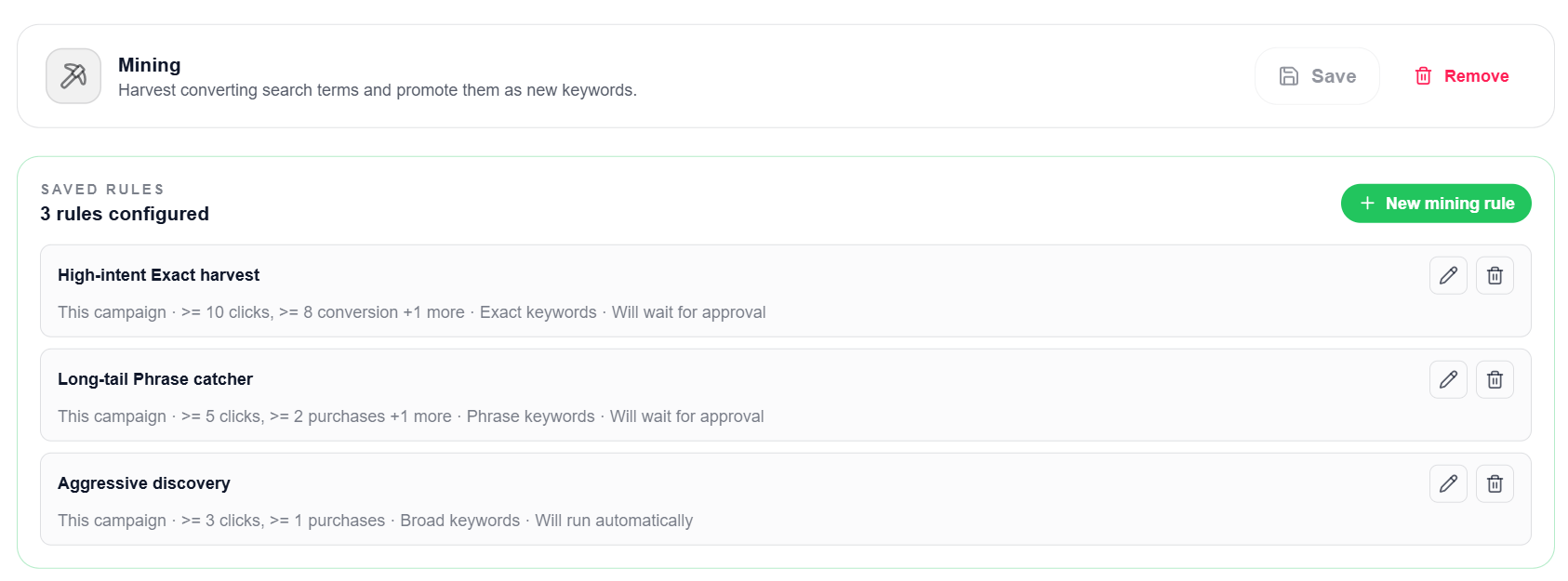
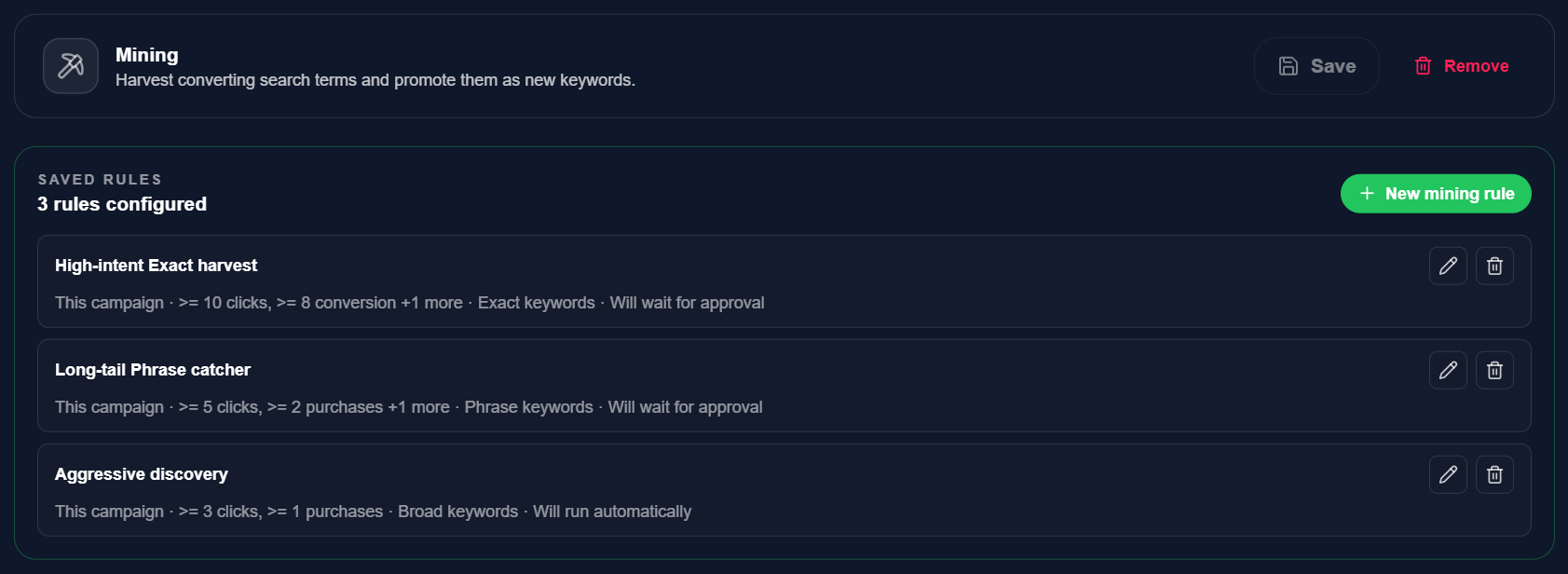
The main screen shows:
- Saved rules header with a count of how many rules are configured.
- Each existing rule as a summary card: name + a one-line summary (source · criteria · match type · execution mode) + Edit (pencil) and Delete (trash) icons.
- A New mining rule button (top-right) to open the wizard for a fresh rule.
If you don't have any rules yet, a dashed empty-state card prompts you to add one.
The rule wizard — six gated steps
Clicking New mining rule (or Edit on an existing one) opens a 6-step wizard. Each step must be completed before the next unlocks. A Rule name field sits at the top and must be filled in before you can save.
Step 1 — Choose which ASINs this rule applies to
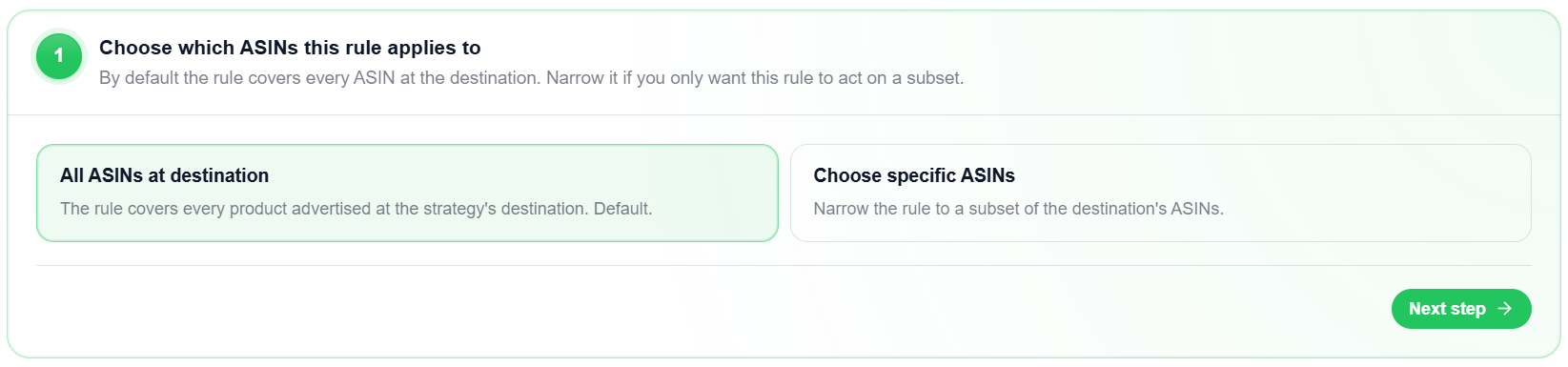
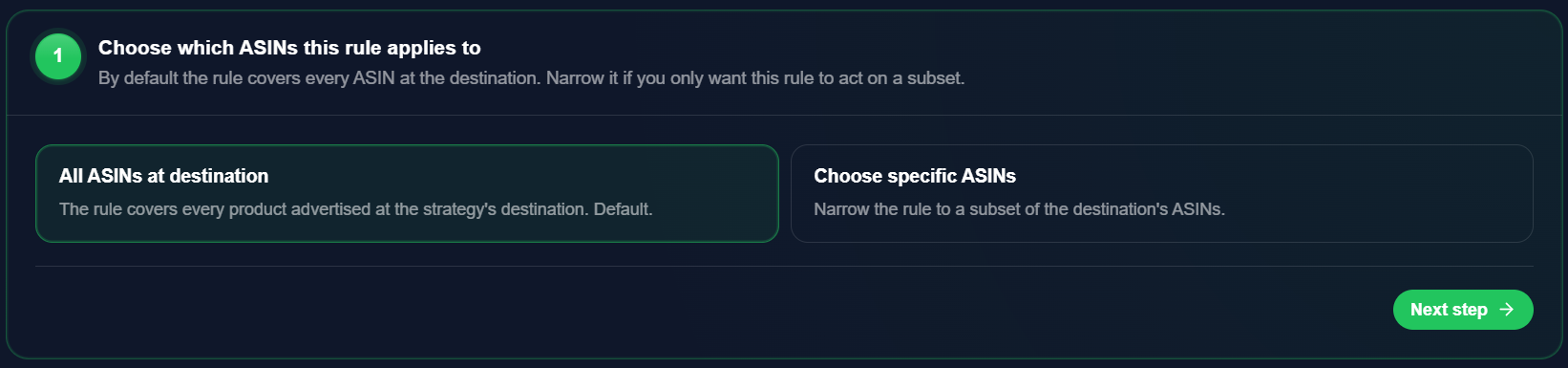
By default the rule covers every ASIN at the destination (i.e. every product advertised by the campaign / ad group / product you dropped the assignment on). If you only want the rule to hunt search terms for a specific subset, narrow it here.
Non-empty ASIN scope means two things at once:
- The source pool is filtered to search terms served by ads that advertise one of the chosen ASINs.
- New keywords produced by this rule are only written into ad groups that advertise one of those ASINs.
Step 2 — Create criteria
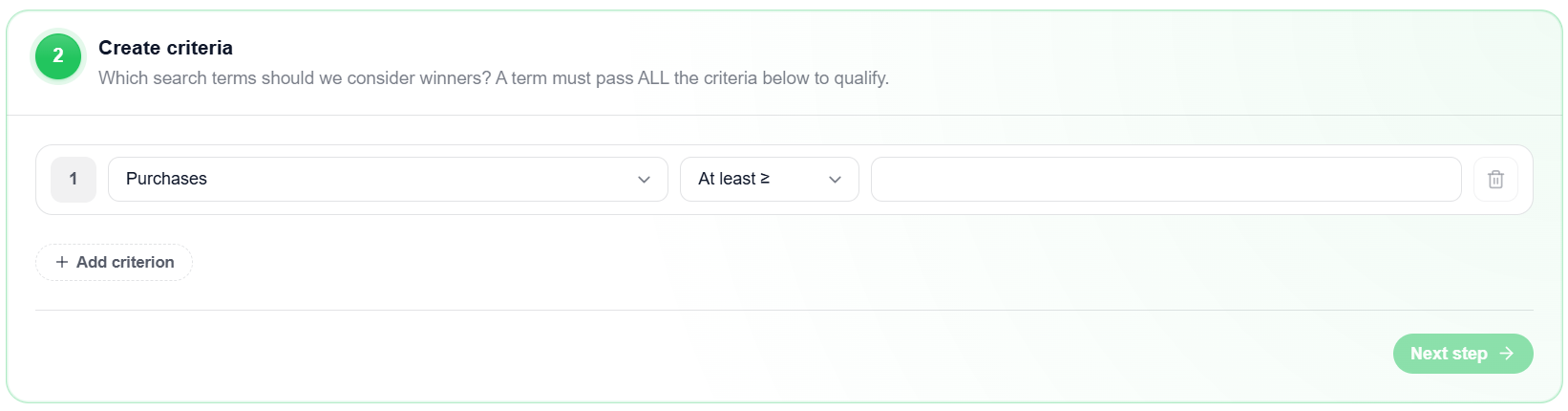
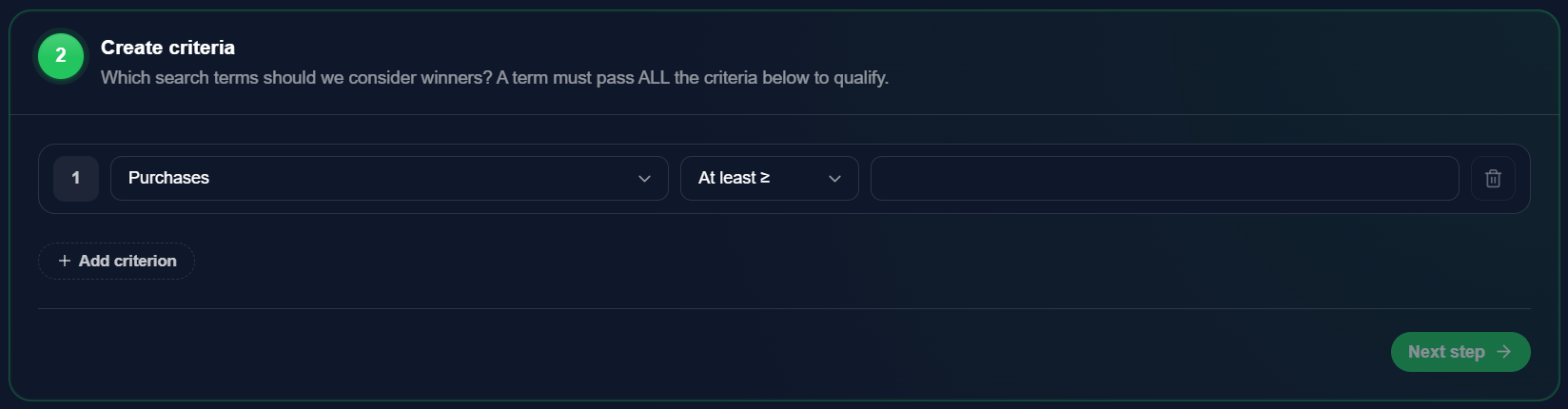
Which search terms should count as winners? Each row is one criterion, all rows are AND-ed together, and a search term must pass every one to qualify.
Each row has three parts:
- Metric — pick from 10 metrics: Impressions, Clicks, Purchases, CPC, CTR, Conversion, ACOS, ROAS, Spend, Sales. Every metric can only appear once per rule.
- Operator — At least ≥ or At most ≤.
- Value — the threshold (with the right suffix: $, %, or no suffix depending on the metric).
Use Add criterion to add more rows and the trash icon to remove one. At least one criterion is required to continue.
Typical winner rule: Clicks ≥ 10 AND Conversion ≥ 8% AND ACOS ≤ 25%.
Step 3 — Where to mine from
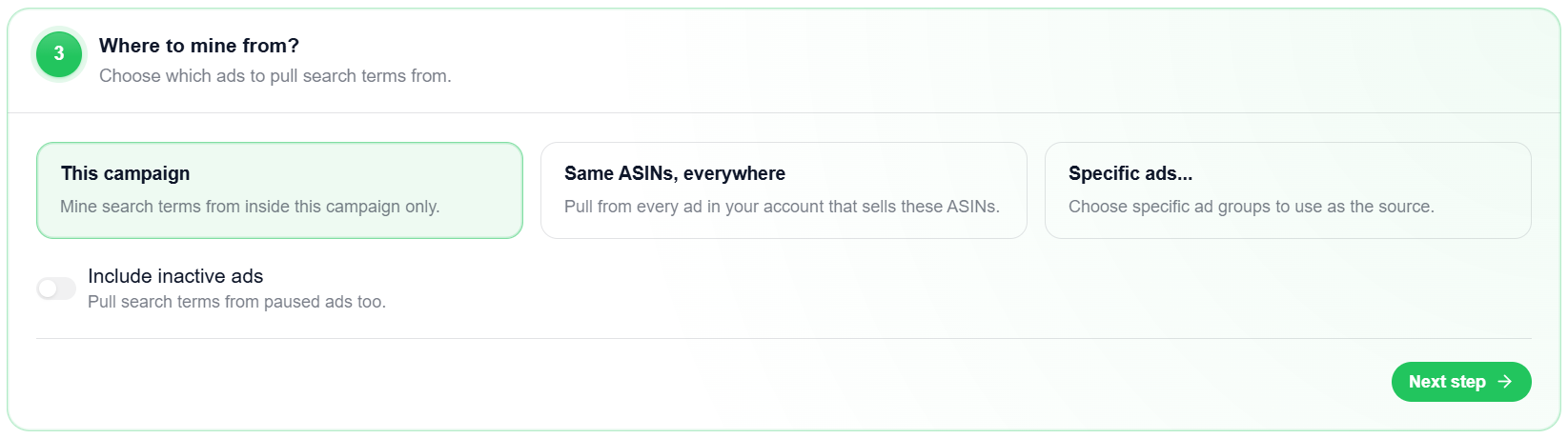
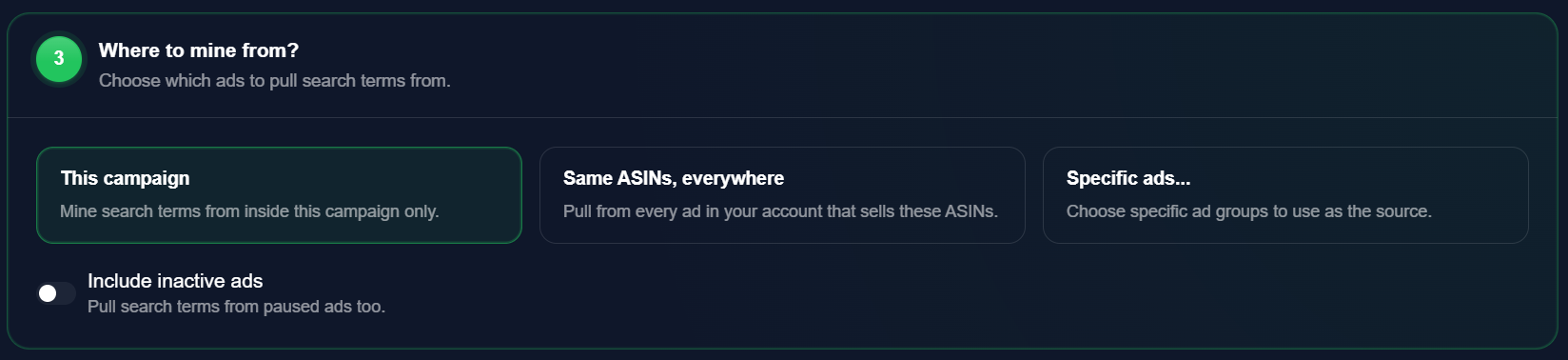
The available source tiles depend on where you dropped the assignment:
- This campaign / This ad group — the local, self-contained option. Mine only from search terms served by the same node the assignment sits on.
- Same ASINs, everywhere — pull from every ad in your account that sells these ASINs. Great when you have duplicated launch structures and want to consolidate discoveries.
- Specific ads… — hand-pick individual ad groups as the source. Selecting this opens an inline ad-group picker.
Below the tiles there's an Include inactive ads toggle. Off by default; turn it on if you want to also mine from ad groups you've paused (useful when Auto ad groups have been paused after their initial harvest but still hold usable history).
Step 4 — How to refine
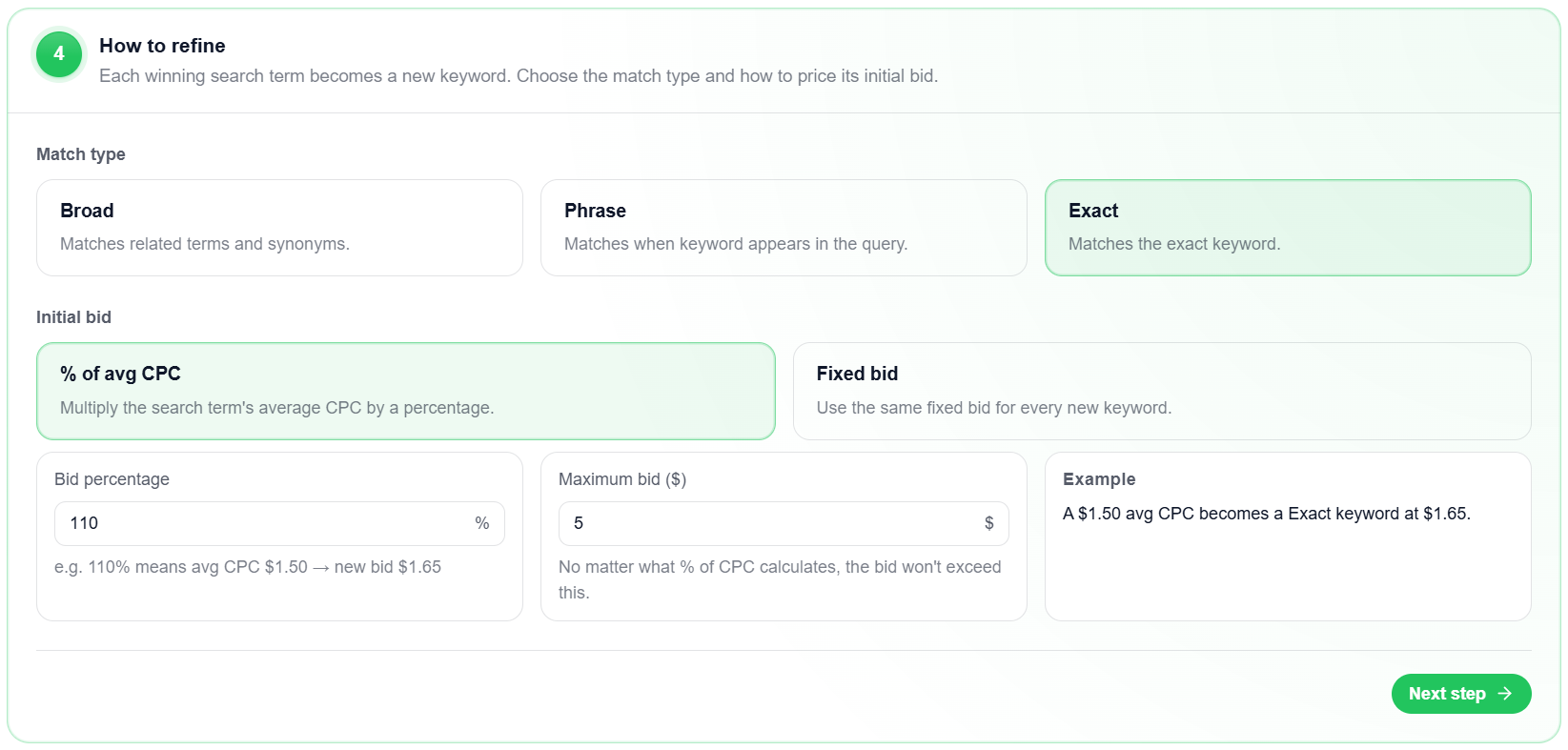
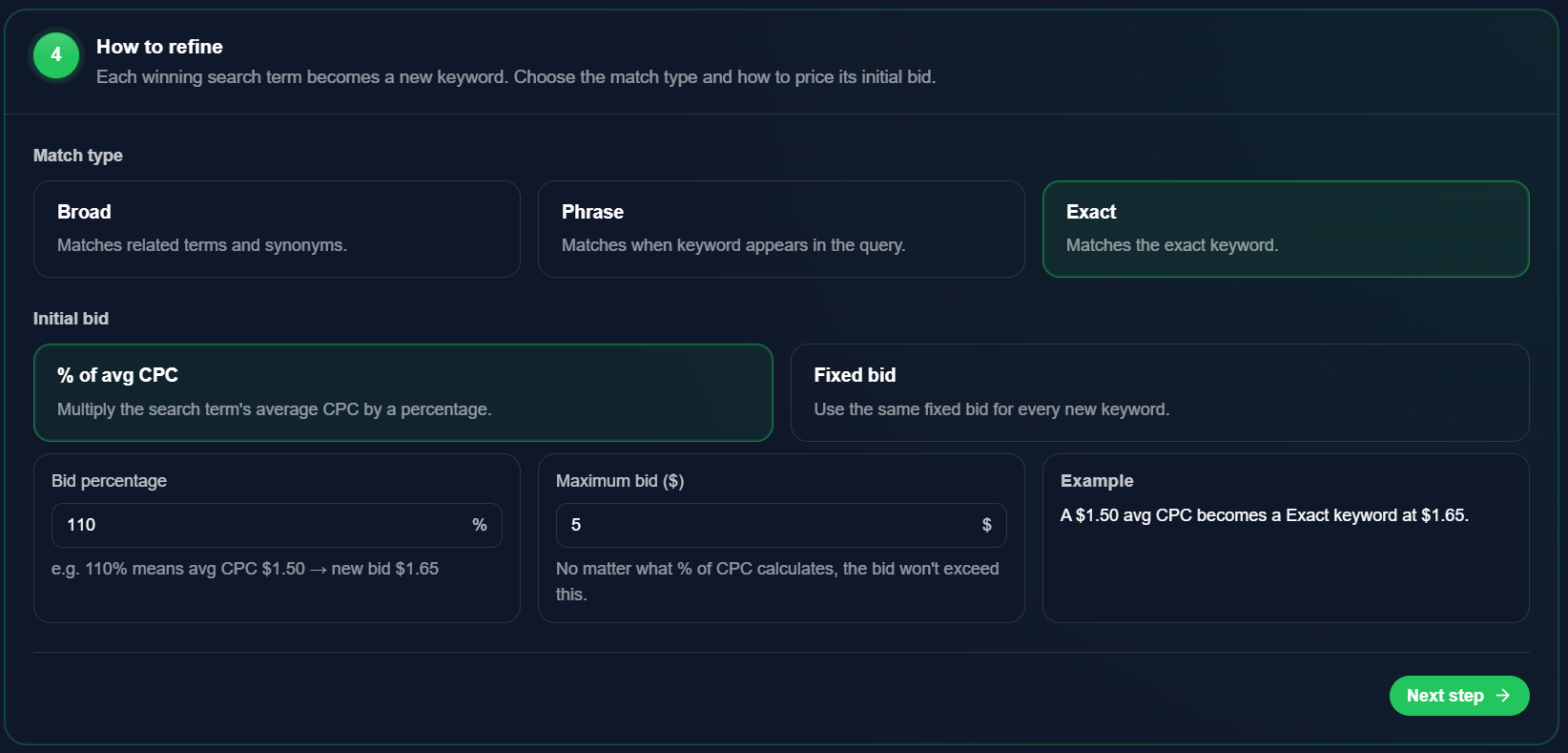
Once a search term qualifies, this step tells Mining how to turn it into a keyword.
Match type
- Broad — matches related terms and synonyms.
- Phrase — matches when the keyword appears inside the query.
- Exact (default) — matches the exact keyword. Best default: it protects the term you carefully mined from being cannibalised by looser matches.
Shoppers can type anything, but a keyword can only hold letters, numbers and spaces (a period, hyphen or plus is allowed inside a word), up to 10 words and 80 characters. A term that qualifies but breaks those rules is listed under Not usable on the run rather than sent to Amazon and failed.
Initial bid
- % of avg CPC (default: 110%) — takes the search term's own average CPC and multiplies it by a percentage. Adaptive to how competitive the term already is.
- When this mode is on, a Maximum bid ($) field appears — no matter what the % calculates, the initial bid is capped here.
- A small Example card shows a live preview ("A $1.50 avg CPC becomes an Exact keyword at $1.65") with a capped badge if the ceiling would kick in.
- Very high multipliers (≥ 300%) trigger a warning.
- Fixed bid (default: $0.50) — every new keyword starts at the same flat bid. Simpler and predictable.
Step 5 — Lookback window
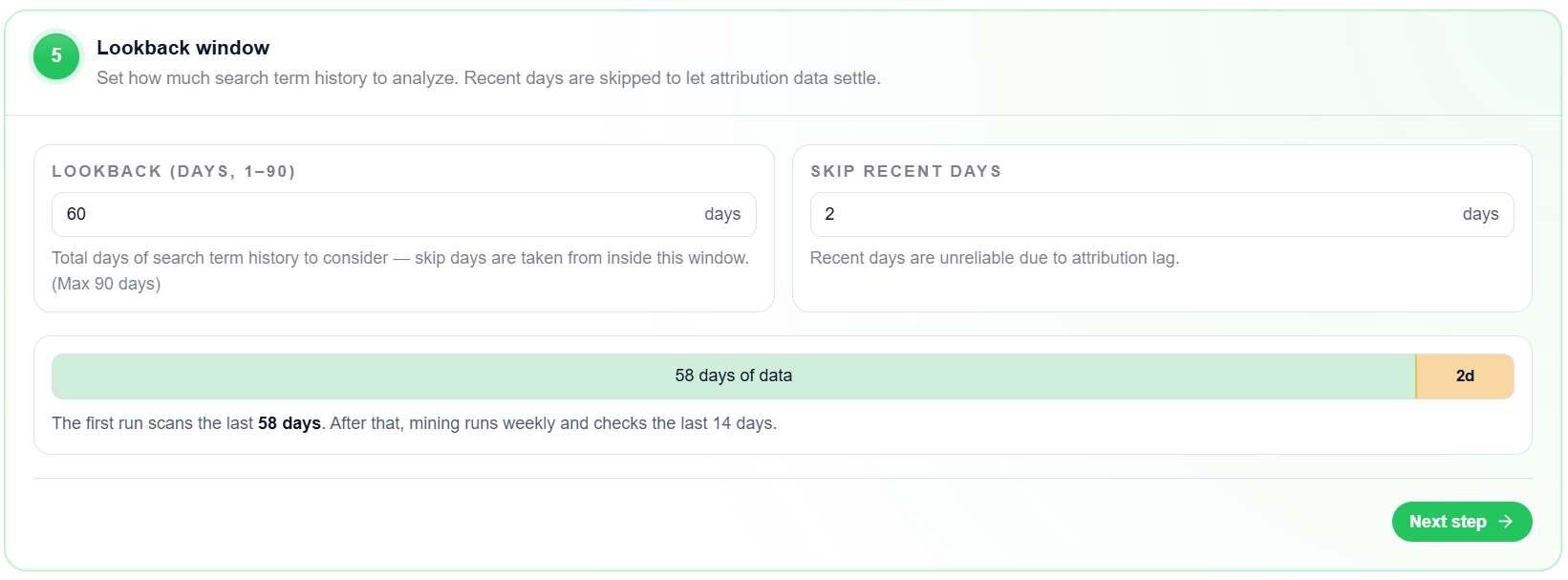
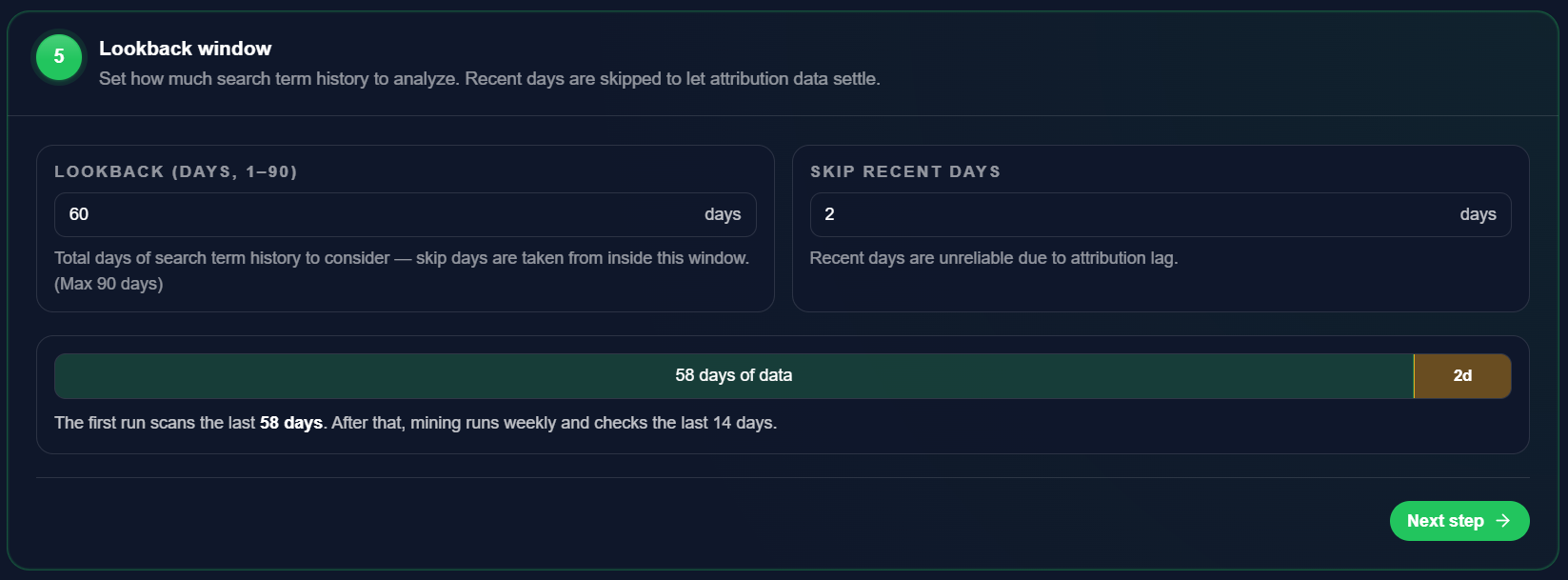
How far back should the rule look? And how much of the most recent history should it ignore while attribution settles?
- Lookback (days, 1–90) — total history window walked back from today. Default 60.
- Skip recent days — recent days are less reliable due to attribution lag. Default 2.
A live timeline bar visualises what will actually be analysed: the coloured band is the analysed days; the amber slice on the right is the ignored recent days. If Skip is too large relative to Lookback (Skip ≥ Lookback), you get a red error and can't proceed.
Extra warnings:
- Lookback < 7 days shows an amber note that results may be noisy.
- Skip = 0 shows a blue note reminding you that today's incomplete data will be analysed and recommending 2 days.
Below the timeline, a subtle hint clarifies the schedule: "The first run scans the last N days. After that, mining runs weekly and checks the last 14 days."
Step 6 — What happens when matches are found


Two tiles:
- Review required (default) — every match waits in a queue for you to approve or reject. Safer, especially when you're still tuning the rule.
- Auto-execute — matches are pushed straight to Amazon as soon as they qualify. Faster but requires trust that your rule is tight. Selecting this shows an amber warning reminding you that you can still revert from the Change Log.
Saving the rule
At the bottom of the wizard is a Cancel + Add rule (or Save changes when editing) pair. Add rule is disabled until:
- The Rule name is filled in.
- At least one criterion has a value in Step 2.
- Step 5's window is valid (Skip < Lookback).
If you click Next / Save without a name, the name field flashes amber and scrolls into focus.
Editing and deleting rules
- The pencil icon on a rule card reopens the wizard pre-filled with that rule's settings; all six steps are unlocked so you can jump straight to whichever one you want to change.
- The trash icon deletes the rule after a confirmation dialog.
Deleting a rule doesn't touch keywords that rule already promoted — those stay live on Amazon.
Interactions with other algorithms
- Negative shares the same weekly Search Terms report pull. Mining runs first (add the winners) then Negative runs (block the losers).
- Bidding — keywords freshly created by Mining fall under Bidding's management if their ad group also has Bidding on. Bidding will typically wait a couple of days before it starts adjusting the seed bid — enough time for meaningful click data.
- Strategy scope — a rule with Specific ads… references specific ad group IDs, which are marketplace-specific. If you re-use the strategy in a different marketplace, the strategy library will warn you that this scope can't travel.
Common questions
Why weekly and not daily?
Search Terms reports settle over days as attribution catches up. A daily cadence would create noise and duplicate proposals. Weekly is the industry-standard cadence and matches what a human keyword harvester would do manually.
Why don't I see a search term I know converted?
Three usual suspects: (a) it doesn't pass every criterion in Step 2 — check thresholds; (b) it's already a keyword or target in your destination ad groups (Mining de-duplicates); (c) it's inside the skip recent window and hasn't fully settled yet.
What match type should I pick?
Exact for durability; Phrase for mild flexibility; Broad only if you're mining variants inside a discovery workflow. For the vast majority of sellers, Exact is the right answer.
Should I use Review required or Auto-execute?
Start with Review required until you trust the rule. Once a rule has produced 20+ approvals in a row without you rejecting any, it's a good candidate to switch to Auto-execute.
Can I have multiple rules at the same time?
Yes — that's exactly the point of the rule library. It's common to run a strict Exact-harvest rule alongside a looser Phrase-harvest rule; they hunt in the same pool but with different thresholds.